Discounted Products
-
 Leo Creation 144 TC Cotton Double Jaipuri Prints Flat Bedsheet(Pack of 1, Blue, Gree, Red, Grey, Light Grey)
Original price was: ₹2,999.00.₹329.00Current price is: ₹329.00.
Leo Creation 144 TC Cotton Double Jaipuri Prints Flat Bedsheet(Pack of 1, Blue, Gree, Red, Grey, Light Grey)
Original price was: ₹2,999.00.₹329.00Current price is: ₹329.00.
-
 Home Garage 210 TC Cotton King Floral Fitted (Elastic) Bedsheet(Pack of 1, Grey)
Original price was: ₹999.00.₹299.00Current price is: ₹299.00.
Home Garage 210 TC Cotton King Floral Fitted (Elastic) Bedsheet(Pack of 1, Grey)
Original price was: ₹999.00.₹299.00Current price is: ₹299.00.
-
 Goodrik 140 TC Cotton Double 3D Printed Flat Bedsheet(Pack of 1, Brown)
Original price was: ₹499.00.₹229.00Current price is: ₹229.00.
Goodrik 140 TC Cotton Double 3D Printed Flat Bedsheet(Pack of 1, Brown)
Original price was: ₹499.00.₹229.00Current price is: ₹229.00.
-
 GLOBALSHOP 350 TC Microfiber Double Floral Flat Bedsheet(Pack of 1, Multicolor)
Original price was: ₹1,250.00.₹263.00Current price is: ₹263.00.
GLOBALSHOP 350 TC Microfiber Double Floral Flat Bedsheet(Pack of 1, Multicolor)
Original price was: ₹1,250.00.₹263.00Current price is: ₹263.00.
-
 RisingStar 250 TC Microfiber King Printed Fitted (Elastic) Bedsheet(Pack of 1, FITTED-ROUND-CIRCLES-PREMIUM)
Original price was: ₹2,299.00.₹299.00Current price is: ₹299.00.
RisingStar 250 TC Microfiber King Printed Fitted (Elastic) Bedsheet(Pack of 1, FITTED-ROUND-CIRCLES-PREMIUM)
Original price was: ₹2,299.00.₹299.00Current price is: ₹299.00.
-
 Home Garage 210 TC Cotton King Floral Fitted (Elastic) Bedsheet(Pack of 1, Fitted Black Green)
Original price was: ₹1,299.00.₹299.00Current price is: ₹299.00.
Home Garage 210 TC Cotton King Floral Fitted (Elastic) Bedsheet(Pack of 1, Fitted Black Green)
Original price was: ₹1,299.00.₹299.00Current price is: ₹299.00.
-
 Home Garage 180 TC Cotton King 3D Printed Flat Bedsheet(Pack of 1, White)
Original price was: ₹999.00.₹229.00Current price is: ₹229.00.
Home Garage 180 TC Cotton King 3D Printed Flat Bedsheet(Pack of 1, White)
Original price was: ₹999.00.₹229.00Current price is: ₹229.00.
-
 Home Sizzler 153 cm (5 ft) Polyester Room Darkening Window Curtain (Pack Of 2)(Floral, Maroon)
Original price was: ₹799.00.₹299.00Current price is: ₹299.00.
Home Sizzler 153 cm (5 ft) Polyester Room Darkening Window Curtain (Pack Of 2)(Floral, Maroon)
Original price was: ₹799.00.₹299.00Current price is: ₹299.00.
-
 Panipat Textile Hub 152.4 cm (5 ft) Polyester Window Curtain (Pack Of 2)(Solid, Aqua)
Original price was: ₹1,899.00.₹299.00Current price is: ₹299.00.
Panipat Textile Hub 152.4 cm (5 ft) Polyester Window Curtain (Pack Of 2)(Solid, Aqua)
Original price was: ₹1,899.00.₹299.00Current price is: ₹299.00.
-
 Home Sizzler 214 cm (7 ft) Polyester Semi Transparent Door Curtain (Pack Of 2)(Floral, Maroon)
Original price was: ₹1,199.00.₹399.00Current price is: ₹399.00.
Home Sizzler 214 cm (7 ft) Polyester Semi Transparent Door Curtain (Pack Of 2)(Floral, Maroon)
Original price was: ₹1,199.00.₹399.00Current price is: ₹399.00.
-
 Home Sizzler 153 cm (5 ft) Polyester Room Darkening Window Curtain (Pack Of 2)(Floral, Brown)
Original price was: ₹799.00.₹299.00Current price is: ₹299.00.
Home Sizzler 153 cm (5 ft) Polyester Room Darkening Window Curtain (Pack Of 2)(Floral, Brown)
Original price was: ₹799.00.₹299.00Current price is: ₹299.00.
-
 Stella Creations 214 cm (7 ft) Polyester Room Darkening Door Curtain (Pack Of 2)(Abstract, Brown)
Original price was: ₹1,299.00.₹449.00Current price is: ₹449.00.
Stella Creations 214 cm (7 ft) Polyester Room Darkening Door Curtain (Pack Of 2)(Abstract, Brown)
Original price was: ₹1,299.00.₹449.00Current price is: ₹449.00.
-
 Homefab India 152.5 cm (5 ft) Polyester Room Darkening Window Curtain (Pack Of 2)(Floral, Light Blue)
Original price was: ₹1,199.00.₹319.00Current price is: ₹319.00.
Homefab India 152.5 cm (5 ft) Polyester Room Darkening Window Curtain (Pack Of 2)(Floral, Light Blue)
Original price was: ₹1,199.00.₹319.00Current price is: ₹319.00.
-
 Urban Home 214 cm (7 ft) PVC Transparent Door Curtain Single Curtain(Solid, Off White)
Original price was: ₹699.00.₹203.00Current price is: ₹203.00.
Urban Home 214 cm (7 ft) PVC Transparent Door Curtain Single Curtain(Solid, Off White)
Original price was: ₹699.00.₹203.00Current price is: ₹203.00.
-
 Panipat Textile Hub 213 cm (7 ft) Polyester Door Curtain (Pack Of 2)(Solid, Brown)
Original price was: ₹1,199.00.₹349.00Current price is: ₹349.00.
Panipat Textile Hub 213 cm (7 ft) Polyester Door Curtain (Pack Of 2)(Solid, Brown)
Original price was: ₹1,199.00.₹349.00Current price is: ₹349.00.
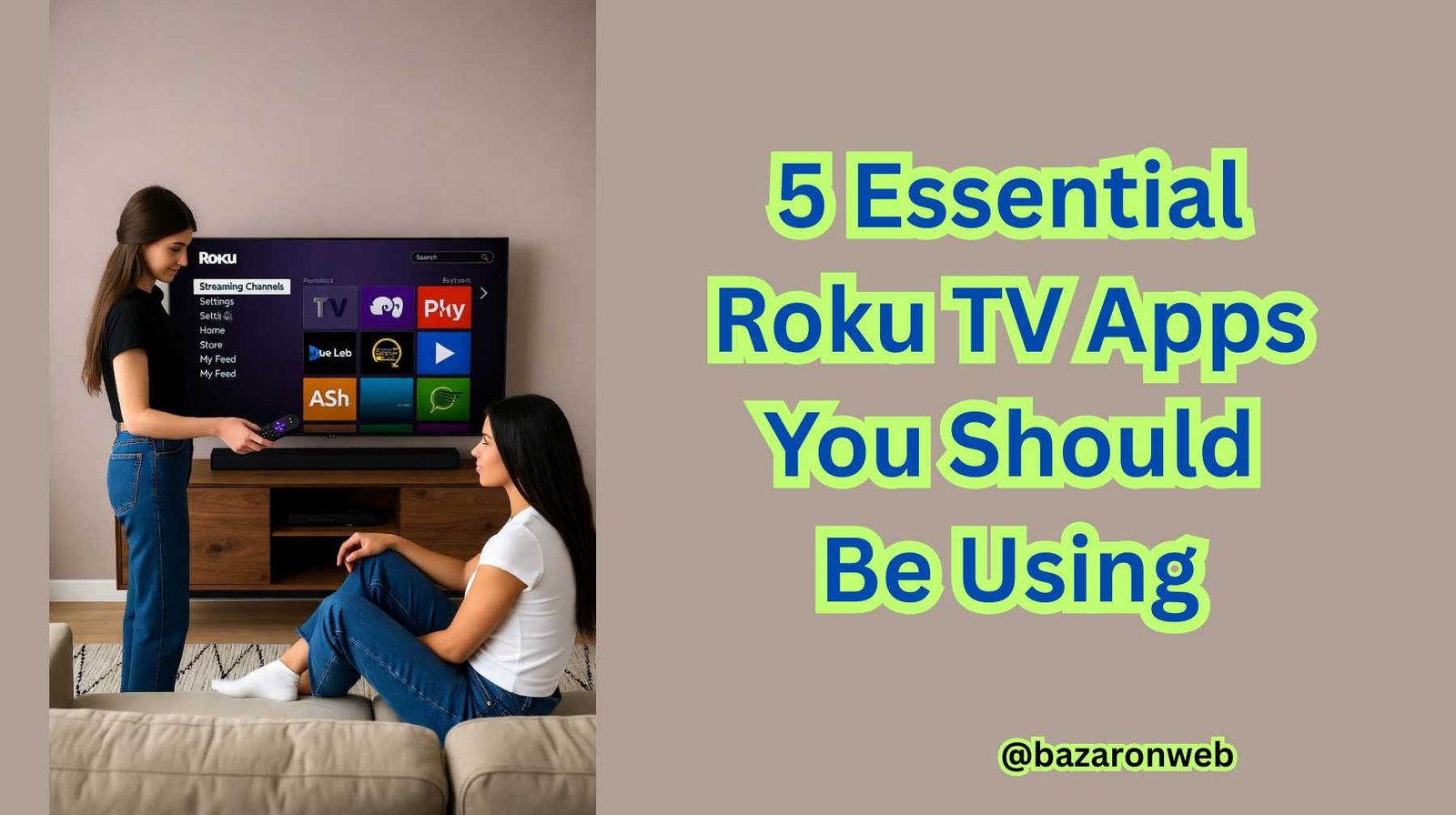
Hey everyone, I’m Jessica, and if you’ve recently joined the world of Roku TV, welcome to one of the most user-friendly and versatile streaming ecosystems out there. Whether you just cut the cord, upgraded your TV, or simply want to explore more beyond Netflix and YouTube, Roku gives you access to thousands of apps (called channels) that can completely change how you watch and enjoy content at home.
After spending countless evenings exploring different Roku apps for movies, fitness, news, and even smart home management, I’ve narrowed it down to the 5 essential Roku TV apps that every user should have. These are the ones I use most frequently — they make streaming smoother, smarter, and a whole lot more fun.
So grab your remote, and let’s dive right in!
1. The Roku Channel – The Free Streaming Gem
Let’s start with Roku’s very own built-in app: The Roku Channel.
If you’re new to Roku, this app is already pre-installed on most devices, and trust me — it’s worth exploring before downloading anything else. It offers free movies, TV shows, live TV, and news without requiring any subscription.
Here’s why it’s a must-have:
- Completely free content: You’ll find thousands of movies and series from major studios like Lionsgate, Paramount, and MGM.
- Live TV channels: You can stream live news, entertainment, and lifestyle channels like ABC News Live, USA Today, and even specialty channels for kids.
- Premium add-ons: If you’re subscribed to services like Showtime, Starz, or AMC+, you can access them all in one place through The Roku Channel — no need to switch apps.
- Kids & Family zone: A safe and curated section for children that’s ad-supported but completely free.
For casual watchers or anyone trying to save on subscription costs, The Roku Channel is a goldmine. I love using it when I just want to unwind without worrying about logging into multiple platforms.
2. Plex – Stream Your Own Media Like a Pro
If you’ve got a personal collection of movies, shows, music, or home videos sitting on your hard drive, Plex is a must-have Roku app. Think of it as your personal Netflix — but powered by your own files.
Here’s what makes Plex so powerful:
- Access your media anywhere: Upload your media to a Plex server (on your computer or NAS), and stream it directly to your Roku TV.
- Automatic organization: Plex automatically adds cover art, movie descriptions, and metadata — making your collection look like a professional streaming library.
- Free on-demand content: In addition to personal streaming, Plex also offers thousands of free ad-supported movies and TV shows.
- Multi-device sync: Watch your shows on Roku, continue later on your phone, and never lose progress.
I personally love Plex because it gives me control over what I watch. It’s perfect for families who have large digital collections or people who prefer privacy and flexibility without monthly fees.
3. Spotify – Turn Your Roku into a Music Powerhouse
Your Roku TV isn’t just for binge-watching — it can double as a music hub, and nothing does it better than Spotify.
The Spotify app for Roku syncs perfectly with your existing account, giving you full access to playlists, podcasts, and radio stations right from your TV.
Here’s why it’s essential:
- Easy syncing: Log in once, and you can control playback from your phone using Spotify Connect.
- Crisp audio: If your Roku is connected to a soundbar or home theater system, you’ll get impressive sound quality.
- Podcast support: You can play your favorite podcasts directly through the app — perfect for background listening.
- Group listening: With Spotify Premium, you can host group sessions and listen along with friends or family in real time.
Whether you’re hosting a dinner, working out in the living room, or relaxing before bed, having Spotify on Roku lets you fill your home with great music — without switching devices.
4. YouTube TV – The Perfect Cable Replacement
If you’ve officially cut the cord but still miss live TV channels, YouTube TV is hands-down the best app for Roku users who want a cable-like experience without the hassle.
Unlike the standard YouTube app, YouTube TV offers live channels, cloud DVR, and local networks — all integrated into a single, easy-to-use interface.
Here’s what makes it essential:
- 85+ live channels: Including ESPN, ABC, CBS, NBC, FOX, CNN, Discovery, and more.
- Unlimited DVR storage: Record as many shows as you want — they’re stored in the cloud for nine months.
- Multiple profiles: Perfect for families; each member can have their own recommendations and recording library.
- Seamless streaming: The app runs incredibly smoothly on Roku, with crisp picture quality even on slower connections.
Although YouTube TV is subscription-based, it’s one of the few services that truly replaces traditional cable while offering better usability and flexibility. If you’re serious about live sports or breaking news, this app is worth every penny.
5. Apple TV+ – Premium Originals and High-End Streaming
Roku might be a Google-friendly platform, but it plays very well with Apple too. The Apple TV app is fully supported on Roku, and if you’re not watching Apple TV+ yet, you’re missing out on some of the best original shows available today.
Here’s why you should have it installed:
- Top-tier originals: Series like Ted Lasso, The Morning Show, Severance, and Foundation are global hits.
- Beautiful 4K HDR content: If you have a 4K Roku TV, Apple TV+ delivers some of the sharpest and most cinematic visuals out there.
- Cross-device compatibility: Start watching on your iPhone, finish on your Roku TV seamlessly.
- Rent or buy movies: Beyond the Apple TV+ subscription, you can rent or buy blockbuster films directly through the app.
Apple TV+ has become one of my go-to streaming apps for family movie nights — its minimal ads, sleek interface, and rich sound make the experience feel luxurious.
Bonus Mentions: Other Great Roku Apps to Explore
While the five above are my essentials, here are a few bonus apps worth checking out:
- Disney+ – For all things Marvel, Pixar, and Star Wars.
- Pluto TV – Free live TV with over 250 channels.
- Tubi – Ad-supported streaming with a surprisingly large library of movies.
- Amazon Prime Video – Another must-have if you’re a Prime member.
- Peacock – For NBC shows, Universal movies, and exclusive sports coverage.
Each of these adds variety to your streaming lineup, ensuring there’s always something to watch no matter your mood.
Tips for Getting the Most Out of Your Roku TV Apps
Roku’s interface is simple, but with a few smart tweaks, you can enhance your experience:
- Use Roku Voice Search – Press the microphone button and say what you want to watch. Roku will search across all installed apps for the best result.
- Rearrange your apps: Highlight an app on your home screen, press the star () button*, and choose Move channel to keep your favorites at the top.
- Enable 4K HDR settings: If your TV supports it, go to Settings → Display type and select the highest available resolution.
- Add private channels: Roku allows you to add non-listed apps using special access codes (though these are becoming more restricted).
- Update your apps regularly: New features and stability improvements roll out often, so keep your apps and Roku firmware up to date.
Final Thoughts
The Roku platform has grown from being a simple streaming stick to a full-blown smart TV ecosystem that competes with the best in the market. What makes Roku special is its neutral approach — it doesn’t lock you into one company’s ecosystem like Apple or Amazon. You get the best of everything: free content, premium services, music, and even your personal media.
If you’re just starting out, I recommend installing these five essentials — The Roku Channel, Plex, Spotify, YouTube TV, and Apple TV+. Together, they’ll cover all your entertainment needs from movies and live TV to personal media and music streaming.
At the end of the day, Roku is all about customization and convenience. Whether you’re watching the latest blockbuster, catching live news, or playing your favorite playlist, these apps make sure your Roku TV delivers an experience that’s truly yours.
So, grab your remote, head to the Roku Channel Store, and start downloading — your perfect streaming setup is just a few clicks away.

- How to Free Up Storage on Windows 11 Without Deleting Important Files

- How to Fix iPhone Battery Drain Overnight Without Using Any Third-Party Apps
- How to Enable Vehicle Motion Cues on iPhone to Reduce Motion Sickness While Traveling

- How to Create a Guest Account in Windows 11 Home (Step-by-Step Guide for Shared PCs)

- How to Stop Random USB Connect and Disconnect Sounds in Windows (Complete Fix Guide)

Products
-
![Apple Watch Ultra 3 [GPS + Cellular 49mm] Running & Multisport Smartwatch w/Rugged Titanium Case w/Black Titanium Milanese Loop - M. Satellite Communications, Advanced Health & Fitness Tracking](https://bazaronweb.com/retailstores/wp-content/uploads/2025/09/apple-watch-320x320.jpg) Apple Watch Ultra 3 [GPS + Cellular 49mm] Running & Multisport Smartwatch w/Rugged Titanium Case w/Black Titanium Milanese Loop - M. Satellite Communications, Advanced Health & Fitness Tracking
Apple Watch Ultra 3 [GPS + Cellular 49mm] Running & Multisport Smartwatch w/Rugged Titanium Case w/Black Titanium Milanese Loop - M. Satellite Communications, Advanced Health & Fitness Tracking
-
 Apple iPad mini (A17 Pro): Apple Intelligence, 8.3-inch Liquid Retina Display, 256GB, Wi-Fi 6E, 12MP Front/12MP Back Camera, Touch ID, All-Day Battery Life — Purple
-
 Apple AirPods Max Wireless Over-Ear Headphones, Active Noise Cancelling, Transparency Mode, Personalized Spatial Audio, Dolby Atmos, Bluetooth Headphones for iPhone – Space Gray
-
 Apple AirPods Pro 2 Wireless Earbuds, Active Noise Cancellation, Hearing Aid Feature, Bluetooth Headphones, Transparency, Personalized Spatial Audio, High-Fidelity Sound, H2 Chip, USB-C Charging
-
Leo Creation 144 TC Cotton Double Jaipuri Prints Flat Bedsheet(Pack of 1, Blue, Gree, Red, Grey, Light Grey)
Original price was: ₹2,999.00.₹329.00Current price is: ₹329.00.
Leave a Reply