Discounted Products
-
 Leo Creation 144 TC Cotton Double Jaipuri Prints Flat Bedsheet(Pack of 1, Blue, Gree, Red, Grey, Light Grey)
Original price was: ₹2,999.00.₹329.00Current price is: ₹329.00.
Leo Creation 144 TC Cotton Double Jaipuri Prints Flat Bedsheet(Pack of 1, Blue, Gree, Red, Grey, Light Grey)
Original price was: ₹2,999.00.₹329.00Current price is: ₹329.00.
-
 Home Garage 210 TC Cotton King Floral Fitted (Elastic) Bedsheet(Pack of 1, Grey)
Original price was: ₹999.00.₹299.00Current price is: ₹299.00.
Home Garage 210 TC Cotton King Floral Fitted (Elastic) Bedsheet(Pack of 1, Grey)
Original price was: ₹999.00.₹299.00Current price is: ₹299.00.
-
 Goodrik 140 TC Cotton Double 3D Printed Flat Bedsheet(Pack of 1, Brown)
Original price was: ₹499.00.₹229.00Current price is: ₹229.00.
Goodrik 140 TC Cotton Double 3D Printed Flat Bedsheet(Pack of 1, Brown)
Original price was: ₹499.00.₹229.00Current price is: ₹229.00.
-
 GLOBALSHOP 350 TC Microfiber Double Floral Flat Bedsheet(Pack of 1, Multicolor)
Original price was: ₹1,250.00.₹263.00Current price is: ₹263.00.
GLOBALSHOP 350 TC Microfiber Double Floral Flat Bedsheet(Pack of 1, Multicolor)
Original price was: ₹1,250.00.₹263.00Current price is: ₹263.00.
-
 RisingStar 250 TC Microfiber King Printed Fitted (Elastic) Bedsheet(Pack of 1, FITTED-ROUND-CIRCLES-PREMIUM)
Original price was: ₹2,299.00.₹299.00Current price is: ₹299.00.
RisingStar 250 TC Microfiber King Printed Fitted (Elastic) Bedsheet(Pack of 1, FITTED-ROUND-CIRCLES-PREMIUM)
Original price was: ₹2,299.00.₹299.00Current price is: ₹299.00.
-
 Home Garage 210 TC Cotton King Floral Fitted (Elastic) Bedsheet(Pack of 1, Fitted Black Green)
Original price was: ₹1,299.00.₹299.00Current price is: ₹299.00.
Home Garage 210 TC Cotton King Floral Fitted (Elastic) Bedsheet(Pack of 1, Fitted Black Green)
Original price was: ₹1,299.00.₹299.00Current price is: ₹299.00.
-
 Home Garage 180 TC Cotton King 3D Printed Flat Bedsheet(Pack of 1, White)
Original price was: ₹999.00.₹229.00Current price is: ₹229.00.
Home Garage 180 TC Cotton King 3D Printed Flat Bedsheet(Pack of 1, White)
Original price was: ₹999.00.₹229.00Current price is: ₹229.00.
-
 Home Sizzler 153 cm (5 ft) Polyester Room Darkening Window Curtain (Pack Of 2)(Floral, Maroon)
Original price was: ₹799.00.₹299.00Current price is: ₹299.00.
Home Sizzler 153 cm (5 ft) Polyester Room Darkening Window Curtain (Pack Of 2)(Floral, Maroon)
Original price was: ₹799.00.₹299.00Current price is: ₹299.00.
-
 Panipat Textile Hub 152.4 cm (5 ft) Polyester Window Curtain (Pack Of 2)(Solid, Aqua)
Original price was: ₹1,899.00.₹299.00Current price is: ₹299.00.
Panipat Textile Hub 152.4 cm (5 ft) Polyester Window Curtain (Pack Of 2)(Solid, Aqua)
Original price was: ₹1,899.00.₹299.00Current price is: ₹299.00.
-
 Home Sizzler 214 cm (7 ft) Polyester Semi Transparent Door Curtain (Pack Of 2)(Floral, Maroon)
Original price was: ₹1,199.00.₹399.00Current price is: ₹399.00.
Home Sizzler 214 cm (7 ft) Polyester Semi Transparent Door Curtain (Pack Of 2)(Floral, Maroon)
Original price was: ₹1,199.00.₹399.00Current price is: ₹399.00.
-
 Home Sizzler 153 cm (5 ft) Polyester Room Darkening Window Curtain (Pack Of 2)(Floral, Brown)
Original price was: ₹799.00.₹299.00Current price is: ₹299.00.
Home Sizzler 153 cm (5 ft) Polyester Room Darkening Window Curtain (Pack Of 2)(Floral, Brown)
Original price was: ₹799.00.₹299.00Current price is: ₹299.00.
-
 Stella Creations 214 cm (7 ft) Polyester Room Darkening Door Curtain (Pack Of 2)(Abstract, Brown)
Original price was: ₹1,299.00.₹449.00Current price is: ₹449.00.
Stella Creations 214 cm (7 ft) Polyester Room Darkening Door Curtain (Pack Of 2)(Abstract, Brown)
Original price was: ₹1,299.00.₹449.00Current price is: ₹449.00.
-
 Homefab India 152.5 cm (5 ft) Polyester Room Darkening Window Curtain (Pack Of 2)(Floral, Light Blue)
Original price was: ₹1,199.00.₹319.00Current price is: ₹319.00.
Homefab India 152.5 cm (5 ft) Polyester Room Darkening Window Curtain (Pack Of 2)(Floral, Light Blue)
Original price was: ₹1,199.00.₹319.00Current price is: ₹319.00.
-
 Urban Home 214 cm (7 ft) PVC Transparent Door Curtain Single Curtain(Solid, Off White)
Original price was: ₹699.00.₹203.00Current price is: ₹203.00.
Urban Home 214 cm (7 ft) PVC Transparent Door Curtain Single Curtain(Solid, Off White)
Original price was: ₹699.00.₹203.00Current price is: ₹203.00.
-
 Panipat Textile Hub 213 cm (7 ft) Polyester Door Curtain (Pack Of 2)(Solid, Brown)
Original price was: ₹1,199.00.₹349.00Current price is: ₹349.00.
Panipat Textile Hub 213 cm (7 ft) Polyester Door Curtain (Pack Of 2)(Solid, Brown)
Original price was: ₹1,199.00.₹349.00Current price is: ₹349.00.
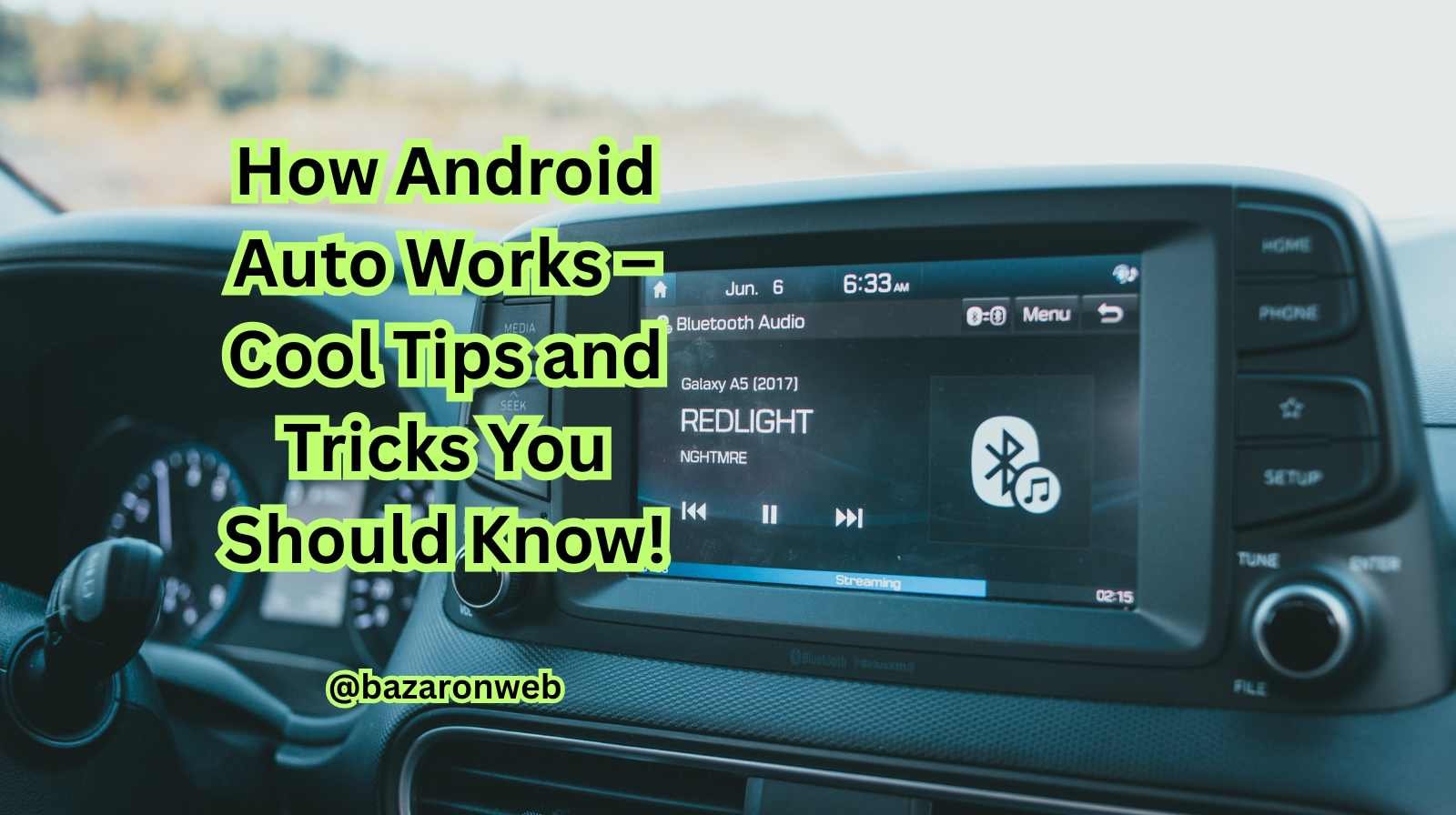
Hey everyone, I’m Jessica, and if you’ve been following my tech blogs, you already know how much I love exploring ways to make our daily lives simpler with smart technology. 🚗✨
Today, let’s talk about something I personally use almost every day — Android Auto. Whether I’m driving across California’s scenic routes or just heading to a grocery store, Android Auto makes my drives smoother, safer, and way more fun.
If you’ve ever wondered how Android Auto actually works and what hidden tricks it can do, you’re in the right place. I’ve tested it for months across different cars and phones, and trust me — once you get the hang of it, you’ll never want to drive without it again!
So, let’s jump in and explore how Android Auto works and the best tips and tricks to get the most out of it.
What Is Android Auto?
Android Auto is Google’s smart driving companion that connects your Android phone to your car’s infotainment system. It mirrors essential apps and services onto your car’s display — like Google Maps, Spotify, Messages, WhatsApp, Waze, and more.
The main goal is simple: to help you stay connected without getting distracted. You can make calls, send texts, play music, or navigate — all using voice commands or your steering wheel controls.
In short, Android Auto is your Google Assistant on wheels.
How Android Auto Works
When you plug your Android phone into your car (via USB or wireless connection), Android Auto launches automatically.
Here’s what happens under the hood:
- Your phone’s operating system activates Android Auto mode.
- The car’s display acts as a “second screen” for compatible apps.
- The apps are optimized for driving — with big icons, simple menus, and voice-first navigation.
- You can control everything via:
- Voice commands (Hey Google)
- Car touchscreen
- Steering wheel buttons
Your phone handles all the processing — the car’s display is just a visual interface. That’s why Android Auto works smoothly even in older vehicles once you connect your phone.
How to Set Up Android Auto
Setting it up is super simple:
- Check compatibility:
- Android 8.0 (Oreo) or higher is required.
- Most modern cars from brands like Honda, Ford, Hyundai, Kia, Toyota, and BMW support Android Auto.
- Install the app:
- Most phones already have Android Auto built-in. If not, download it from the Google Play Store.
- Connect your phone:
- Use a USB cable for the first time.
- Some cars support wireless connection — you’ll need Bluetooth and Wi-Fi enabled.
- Follow the on-screen setup:
- Grant access permissions.
- Select apps you want to use while driving.
- Say “Hey Google” — and start driving safely!
Once it’s paired, the next time you get into your car, Android Auto usually launches automatically.
What Can You Do with Android Auto?
Here’s where the magic happens. Android Auto gives you access to:
- Navigation: Google Maps or Waze
- Music & Podcasts: Spotify, YouTube Music, Amazon Music, Audible
- Calls & Messages: Phone, SMS, WhatsApp, Telegram, Signal
- Calendar & Reminders: Stay organized on the go
- Weather, news, and real-time updates
Basically, it turns your car into a smart, voice-controlled dashboard.
Cool Android Auto Tips and Tricks
Now let’s talk about what I’ve discovered after using Android Auto for years — some really useful hacks you’ll love.
1. Use Google Assistant Like a Pro
The biggest reason I love Android Auto is hands-free control. You can say:
- “Hey Google, play my road trip playlist on Spotify.”
- “Hey Google, take me to the nearest Starbucks.”
- “Hey Google, text Alex I’m on my way.”
And it does it all — without you ever touching your phone.
Jessica’s Tip: Try “Hey Google, what’s the traffic ahead like?” — It’s a lifesaver for long commutes.
2. Customize the Android Auto Home Screen
Not many people know this, but you can rearrange or hide apps you don’t use.
Here’s how:
- Open Android Auto on your phone.
- Tap Customize Launcher.
- Drag and drop apps to rearrange.
- Turn off ones you never touch.
I keep only Maps, Spotify, and Messages on mine — clutter-free and easy to access while driving.
3. Enable Wireless Android Auto
Tired of plugging in every time? You can go wireless.
- Your phone must support 5GHz Wi-Fi and Android 11 or later.
- Your car must support wireless Android Auto (check your model).
- Pair your phone via Bluetooth, then follow prompts for Wi-Fi connection.
Once done, it’ll automatically connect each time you start the car.
4. Dark Mode for Night Drives
Driving at night? Android Auto has a dark mode that looks great and saves battery.
Go to Settings → Display → Theme → Dark Mode.
Jessica’s tip: You can also set it to switch automatically based on time of day — easy on the eyes and stylish too!
5. Use Split Screen Mode
If your car’s display supports it, Android Auto lets you run two apps side-by-side — like Maps + Music.
This feature is especially helpful when you’re navigating and want to control your songs without switching screens.
6. Read Messages Aloud
You don’t have to glance at your phone anymore. When you get a text, Android Auto can read it aloud.
Just say, “Hey Google, read my messages,” and it’ll even let you reply by voice.
It’s one of my favorite features for staying connected safely.
7. Add Shortcuts for Frequent Locations
Heading to work or home often? You can pin shortcuts right on your Android Auto dashboard.
In Maps:
- Long-press your destination.
- Tap “Add to Android Auto.”
Next time you start your car, it’s one tap away — no typing needed.
8. Control Smart Home Devices from Your Car
Yep, Android Auto connects with your smart home!
Before you leave, say —
“Hey Google, turn off the kitchen lights” or
“Hey Google, set the thermostat to 72°F.”
It’s incredibly convenient if you forget something while rushing out.
9. Check Your Calendar on the Go
Say, “Hey Google, what’s my schedule today?”
Android Auto pulls details from your Google Calendar, reads out upcoming meetings, and even navigates to your next appointment.
Perfect for busy mornings!
10. Try Waze for Real-Time Traffic
While Google Maps is great, Waze gives you crowd-sourced alerts about speed cameras, road hazards, and police presence.
If you drive long distances, give Waze a try — it integrates perfectly with Android Auto.
Performance and Safety Benefits
Distraction-Free Interface
Everything is simplified with large buttons, minimal text, and easy navigation.
Voice-First Design
No need to touch the screen — Google Assistant does everything.
Real-Time Updates
Traffic, weather, and map data refresh constantly, helping you plan smarter routes.
Automatic Do Not Disturb
When Android Auto is active, notifications are limited — so you can focus on driving.
Common Issues and Fixes
Even the best tech has occasional hiccups. Here are some quick fixes if Android Auto isn’t behaving:
- Not connecting:
- Try a different USB cable (preferably original).
- Restart your phone and car.
- Audio issues:
- Check Bluetooth and media volume levels.
- App not appearing:
- Make sure the app is Android Auto-compatible and updated.
- Lag or disconnection:
- Disable battery saver mode on your phone.
- Re-pair your device.
Future of Android Auto
Google is continuously improving Android Auto with updates like:
- Coolwalk UI: New split-screen layout.
- Enhanced Google Assistant voice responses.
- More third-party app support (like Zoom, Teams, and Audible).
The experience is getting closer to having your very own in-car digital assistant.
Jessica’s Final Thoughts
After using Android Auto for years, I can confidently say — it’s one of the best innovations for modern driving.
It’s not just about navigation or music; it’s about safety, convenience, and fun.
I’ve used it during long road trips and even short city rides, and it never fails to make my drive smoother.
If you haven’t tried it yet, plug in your Android phone and give it a spin. Trust me, after one trip, you’ll wonder how you ever drove without it!

- How to Fix Chrome Automatically Deleting Downloaded Files (Complete Step-by-Step Guide)

- How to View Apps That Windows Security Identifies as PUA (Step-by-Step Guide)

- How to Add Custom DNS Server on iPhone to Fix DNS Errors and Improve Internet Speed

- AI Automation in 2026: How It’s Transforming Jobs, Businesses, and Everyday Life

- How to Check Startup and Shutdown History in Windows for Better Troubleshooting

Products
-
![Apple Watch Ultra 3 [GPS + Cellular 49mm] Running & Multisport Smartwatch w/Rugged Titanium Case w/Black Titanium Milanese Loop - M. Satellite Communications, Advanced Health & Fitness Tracking](https://bazaronweb.com/retailstores/wp-content/uploads/2025/09/apple-watch-320x320.jpg) Apple Watch Ultra 3 [GPS + Cellular 49mm] Running & Multisport Smartwatch w/Rugged Titanium Case w/Black Titanium Milanese Loop - M. Satellite Communications, Advanced Health & Fitness Tracking
Apple Watch Ultra 3 [GPS + Cellular 49mm] Running & Multisport Smartwatch w/Rugged Titanium Case w/Black Titanium Milanese Loop - M. Satellite Communications, Advanced Health & Fitness Tracking
-
 Apple iPad mini (A17 Pro): Apple Intelligence, 8.3-inch Liquid Retina Display, 256GB, Wi-Fi 6E, 12MP Front/12MP Back Camera, Touch ID, All-Day Battery Life — Purple
-
 Apple AirPods Max Wireless Over-Ear Headphones, Active Noise Cancelling, Transparency Mode, Personalized Spatial Audio, Dolby Atmos, Bluetooth Headphones for iPhone – Space Gray
-
 Apple AirPods Pro 2 Wireless Earbuds, Active Noise Cancellation, Hearing Aid Feature, Bluetooth Headphones, Transparency, Personalized Spatial Audio, High-Fidelity Sound, H2 Chip, USB-C Charging
-
Leo Creation 144 TC Cotton Double Jaipuri Prints Flat Bedsheet(Pack of 1, Blue, Gree, Red, Grey, Light Grey)
Original price was: ₹2,999.00.₹329.00Current price is: ₹329.00.
Leave a Reply