Discounted Products
-
 Leo Creation 144 TC Cotton Double Jaipuri Prints Flat Bedsheet(Pack of 1, Blue, Gree, Red, Grey, Light Grey)
Original price was: ₹2,999.00.₹329.00Current price is: ₹329.00.
Leo Creation 144 TC Cotton Double Jaipuri Prints Flat Bedsheet(Pack of 1, Blue, Gree, Red, Grey, Light Grey)
Original price was: ₹2,999.00.₹329.00Current price is: ₹329.00.
-
 Home Garage 210 TC Cotton King Floral Fitted (Elastic) Bedsheet(Pack of 1, Grey)
Original price was: ₹999.00.₹299.00Current price is: ₹299.00.
Home Garage 210 TC Cotton King Floral Fitted (Elastic) Bedsheet(Pack of 1, Grey)
Original price was: ₹999.00.₹299.00Current price is: ₹299.00.
-
 Goodrik 140 TC Cotton Double 3D Printed Flat Bedsheet(Pack of 1, Brown)
Original price was: ₹499.00.₹229.00Current price is: ₹229.00.
Goodrik 140 TC Cotton Double 3D Printed Flat Bedsheet(Pack of 1, Brown)
Original price was: ₹499.00.₹229.00Current price is: ₹229.00.
-
 GLOBALSHOP 350 TC Microfiber Double Floral Flat Bedsheet(Pack of 1, Multicolor)
Original price was: ₹1,250.00.₹263.00Current price is: ₹263.00.
GLOBALSHOP 350 TC Microfiber Double Floral Flat Bedsheet(Pack of 1, Multicolor)
Original price was: ₹1,250.00.₹263.00Current price is: ₹263.00.
-
 RisingStar 250 TC Microfiber King Printed Fitted (Elastic) Bedsheet(Pack of 1, FITTED-ROUND-CIRCLES-PREMIUM)
Original price was: ₹2,299.00.₹299.00Current price is: ₹299.00.
RisingStar 250 TC Microfiber King Printed Fitted (Elastic) Bedsheet(Pack of 1, FITTED-ROUND-CIRCLES-PREMIUM)
Original price was: ₹2,299.00.₹299.00Current price is: ₹299.00.
-
 Home Garage 210 TC Cotton King Floral Fitted (Elastic) Bedsheet(Pack of 1, Fitted Black Green)
Original price was: ₹1,299.00.₹299.00Current price is: ₹299.00.
Home Garage 210 TC Cotton King Floral Fitted (Elastic) Bedsheet(Pack of 1, Fitted Black Green)
Original price was: ₹1,299.00.₹299.00Current price is: ₹299.00.
-
 Home Garage 180 TC Cotton King 3D Printed Flat Bedsheet(Pack of 1, White)
Original price was: ₹999.00.₹229.00Current price is: ₹229.00.
Home Garage 180 TC Cotton King 3D Printed Flat Bedsheet(Pack of 1, White)
Original price was: ₹999.00.₹229.00Current price is: ₹229.00.
-
 Home Sizzler 153 cm (5 ft) Polyester Room Darkening Window Curtain (Pack Of 2)(Floral, Maroon)
Original price was: ₹799.00.₹299.00Current price is: ₹299.00.
Home Sizzler 153 cm (5 ft) Polyester Room Darkening Window Curtain (Pack Of 2)(Floral, Maroon)
Original price was: ₹799.00.₹299.00Current price is: ₹299.00.
-
 Panipat Textile Hub 152.4 cm (5 ft) Polyester Window Curtain (Pack Of 2)(Solid, Aqua)
Original price was: ₹1,899.00.₹299.00Current price is: ₹299.00.
Panipat Textile Hub 152.4 cm (5 ft) Polyester Window Curtain (Pack Of 2)(Solid, Aqua)
Original price was: ₹1,899.00.₹299.00Current price is: ₹299.00.
-
 Home Sizzler 214 cm (7 ft) Polyester Semi Transparent Door Curtain (Pack Of 2)(Floral, Maroon)
Original price was: ₹1,199.00.₹399.00Current price is: ₹399.00.
Home Sizzler 214 cm (7 ft) Polyester Semi Transparent Door Curtain (Pack Of 2)(Floral, Maroon)
Original price was: ₹1,199.00.₹399.00Current price is: ₹399.00.
-
 Home Sizzler 153 cm (5 ft) Polyester Room Darkening Window Curtain (Pack Of 2)(Floral, Brown)
Original price was: ₹799.00.₹299.00Current price is: ₹299.00.
Home Sizzler 153 cm (5 ft) Polyester Room Darkening Window Curtain (Pack Of 2)(Floral, Brown)
Original price was: ₹799.00.₹299.00Current price is: ₹299.00.
-
 Stella Creations 214 cm (7 ft) Polyester Room Darkening Door Curtain (Pack Of 2)(Abstract, Brown)
Original price was: ₹1,299.00.₹449.00Current price is: ₹449.00.
Stella Creations 214 cm (7 ft) Polyester Room Darkening Door Curtain (Pack Of 2)(Abstract, Brown)
Original price was: ₹1,299.00.₹449.00Current price is: ₹449.00.
-
 Homefab India 152.5 cm (5 ft) Polyester Room Darkening Window Curtain (Pack Of 2)(Floral, Light Blue)
Original price was: ₹1,199.00.₹319.00Current price is: ₹319.00.
Homefab India 152.5 cm (5 ft) Polyester Room Darkening Window Curtain (Pack Of 2)(Floral, Light Blue)
Original price was: ₹1,199.00.₹319.00Current price is: ₹319.00.
-
 Urban Home 214 cm (7 ft) PVC Transparent Door Curtain Single Curtain(Solid, Off White)
Original price was: ₹699.00.₹203.00Current price is: ₹203.00.
Urban Home 214 cm (7 ft) PVC Transparent Door Curtain Single Curtain(Solid, Off White)
Original price was: ₹699.00.₹203.00Current price is: ₹203.00.
-
 Panipat Textile Hub 213 cm (7 ft) Polyester Door Curtain (Pack Of 2)(Solid, Brown)
Original price was: ₹1,199.00.₹349.00Current price is: ₹349.00.
Panipat Textile Hub 213 cm (7 ft) Polyester Door Curtain (Pack Of 2)(Solid, Brown)
Original price was: ₹1,199.00.₹349.00Current price is: ₹349.00.
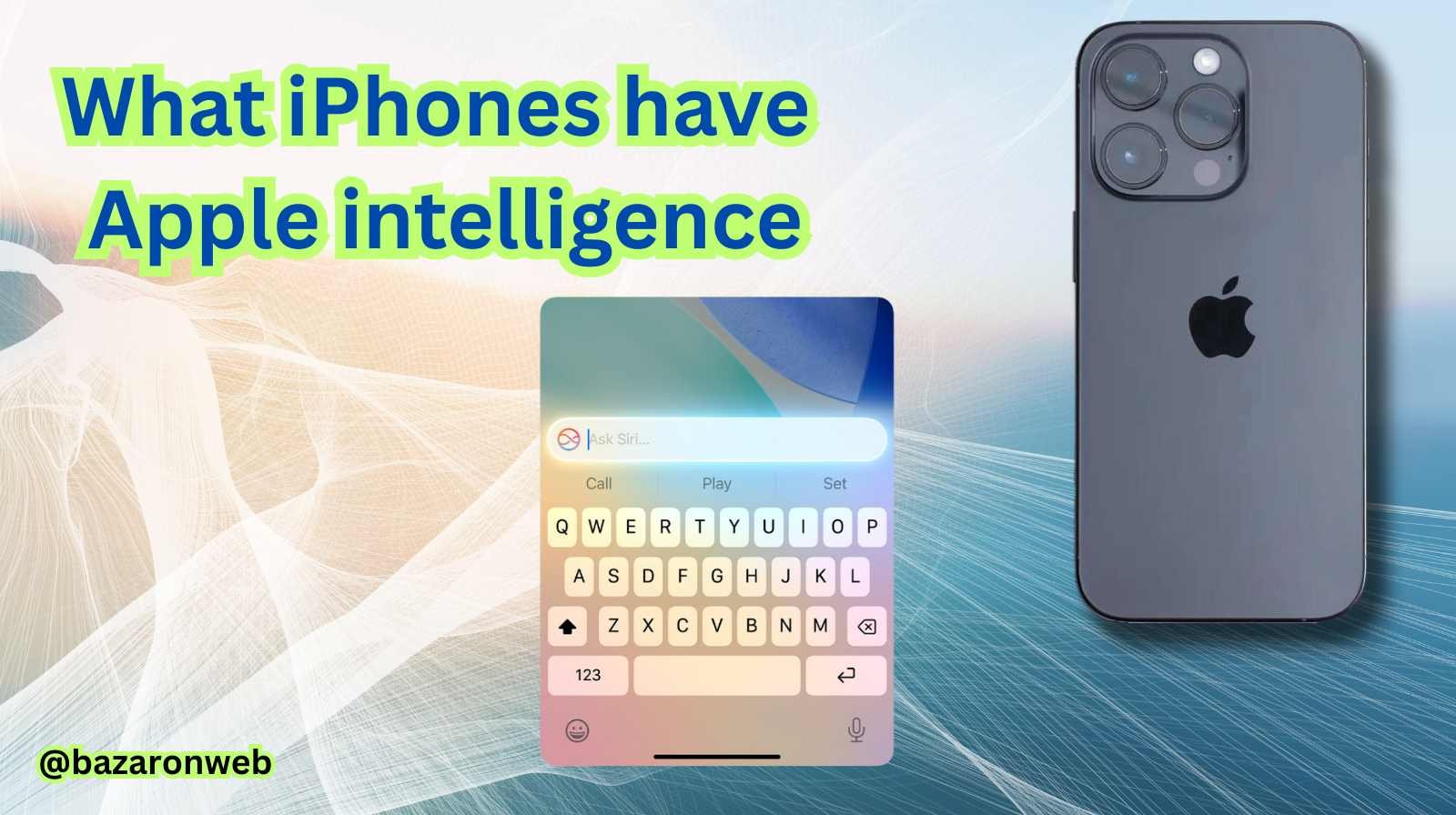
Which iPhones Have Apple Intelligence? Your Friendly Guide to the AI-Powered iPhone
Hey there! If you’re anything like me, you’ve been hearing the buzz about “Apple Intelligence” and wondering what all the fuss is about. It sounds like something from a sci-fi movie, right? A personal intelligence that can rewrite your emails, create custom emojis, and summarize your meeting notes?
But the first, most practical question is: “Does my iPhone have this?”
It’s a fantastic question. After all, we use our phones for everything from managing family schedules to capturing precious memories. Having a built-in AI assistant could be a real game-changer. So, let’s clear up the confusion and break down exactly which iPhones are getting this smart upgrade, and why it matters for how you use your device every day.
The Short Answer: It Starts with the iPhone 15 Pro
To get straight to the point, Apple Intelligence requires a specific level of hardware to run properly. Because of this, it’s available on:
-
iPhone 15 Pro
-
iPhone 15 Pro Max
-
All iPhone 16 models (including the standard iPhone 16, 16 Plus, 16 Pro, and 16 Pro Max)
If you have an iPhone 14 or older, or even an iPhone 15 or 15 Plus, your phone will run the general iOS 18 update but won’t support the specific Apple Intelligence features. I know that can be disappointing news for some, but there’s a really good technological reason for it, which we’ll get into in a moment.
Why the Strict Cutoff? It’s All About the Brainpower
You might be thinking, “My iPhone 14 Pro is still blazing fast! Why can’t it handle this?” I had the same thought. It turns out it’s not about general speed, but about a specific kind of processing power needed for on-device AI.
Think of Apple Intelligence less like a simple app update and more like a new, highly complex brain that needs to live inside your phone. For it to work quickly and privately—without having to send your personal data to the cloud for every request—it needs a super-powered “neural engine.”
This is where the chip comes in.
The iPhone 15 Pro and Pro Max were the first iPhones to feature the A17 Pro chip. This chip has a next-generation Neural Engine that’s capable of processing up to 35 trillion operations per second. That’s an almost unimaginable number, but it’s the kind of raw power needed to generate an image, summarize a long article, or understand the context of a complex request in a split second, all directly on your device.
The iPhone 16 series, with its A18 chips, continues this with even more optimized performance for these AI tasks.
Older iPhones have powerful chips, but they just aren’t designed to handle this specific, intense workload efficiently. Apple likely made the decision to ensure that every person using Apple Intelligence has a smooth, responsive, and frustration-free experience. It’s better to have it work flawlessly on a few devices than poorly on many.
A Peek at What Your iPhone Can Actually Do
Okay, so if you have a compatible iPhone, what does this actually look like in your day-to-day life? Apple Intelligence isn’t one single feature; it’s a suite of helpful tools woven into the apps you already use. Here are some of the highlights that I find most exciting:
1. Your Writing Assistant, Everywhere.
This might be the most practical feature. With Writing Tools, you can select text in almost any app—Mail, Notes, even your browser—and ask your phone to:
-
Rewrite it in a more professional, friendly, or concise tone.
-
Proofread it for grammar and punctuation errors.
-
Summarize a long-winded email into a few key bullet points.
As someone who drafts countless emails for work and the PTA, this feels like having a personal editor on call.
2. A Truly Creative Partner.
This is where it gets fun. Apple Intelligence brings some genuinely creative tools to your fingertips:
-
Genmoji: Need an emoji of a pineapple wearing a top hat doing a handstand? You can create it. Just type a description, and your iPhone will generate a unique, custom emoji for you to use in messages.
-
Image Playground: This is a dedicated app where you can create fun, original images from a simple text prompt. It’s perfect for creating custom images for invitations, social media, or just to make your kids laugh.
-
Clean Up in Photos: This is a personal favorite. Ever take a great photo, but there’s a distracting trash can or a stranger in the background? The new Clean Up tool in the Photos app can identify that object and magically remove it with a simple tap.
3. A Smarter, More Context-Aware Siri.
Siri has gotten a major upgrade. She’s now more natural-sounding and, most importantly, understands context much better. You can give her more complex commands like, “Show me the photos my mom sent me of the kids last week,” and she’ll actually understand what you’re asking. She can also take actions across apps for you, making her a truly useful assistant again.
How to Get Apple Intelligence on Your iPhone
If you have a compatible iPhone, getting started is simple:
-
Update to iOS 18.1 or later. The initial Apple Intelligence features began rolling out with this specific update, so make sure you’re not on the base iOS 18.
-
Go to Settings > Apple Intelligence & Siri. You’ll find a toggle to turn on the entire suite of features.
-
Let it Download. Your phone will need to download the core AI models. For the fastest experience, plug your phone into power and connect to Wi-Fi during this process.
-
Start Exploring! Open your Mail, Notes, or Photos app and look for the new AI icons. The best way to learn is by trying it out.
The Bottom Line for Your Upgrade Decision
So, what does this all mean for you?
If you’re the proud owner of an iPhone 15 Pro or any iPhone 16 model, congratulations! You’re holding a device that represents the next step in personal technology. You have a powerful, private AI ready to help you be more productive, creative, and organized.
If you have an older model, this is now a key factor to consider when you’re next ready to upgrade. Apple Intelligence isn’t a gimmick; it’s a foundational shift in how we will interact with our devices. For a power user or anyone looking to streamline their digital life, it’s a compelling reason to choose a newer Pro model or the latest iPhone 16.
I hope this guide has helped demystify Apple Intelligence for you! It’s an exciting development, and understanding which devices support it is the first step to unlocking a whole new world of convenience on your iPhone.
Happy texting, creating, and organizing
Jessica

- 7 Best Methods to Fix “Undoing Changes Made to Your PC” Error (Complete Guide)

- How to Turn On Spam Blocker on Android: Stop Unwanted Calls and Messages Easily

- Can’t View Comments on YouTube Shorts? 6 Ways to Fix It (Complete Guide)

- How to Block Users From Installing Programs in Windows 11 Complete Step-by-Step Guide for Better Security

- How to Fix Chrome Automatically Deleting Downloaded Files (Complete Step-by-Step Guide)

Products
-
![Apple Watch Ultra 3 [GPS + Cellular 49mm] Running & Multisport Smartwatch w/Rugged Titanium Case w/Black Titanium Milanese Loop - M. Satellite Communications, Advanced Health & Fitness Tracking](https://bazaronweb.com/retailstores/wp-content/uploads/2025/09/apple-watch-320x320.jpg) Apple Watch Ultra 3 [GPS + Cellular 49mm] Running & Multisport Smartwatch w/Rugged Titanium Case w/Black Titanium Milanese Loop - M. Satellite Communications, Advanced Health & Fitness Tracking
Apple Watch Ultra 3 [GPS + Cellular 49mm] Running & Multisport Smartwatch w/Rugged Titanium Case w/Black Titanium Milanese Loop - M. Satellite Communications, Advanced Health & Fitness Tracking
-
 Apple iPad mini (A17 Pro): Apple Intelligence, 8.3-inch Liquid Retina Display, 256GB, Wi-Fi 6E, 12MP Front/12MP Back Camera, Touch ID, All-Day Battery Life — Purple
-
 Apple AirPods Max Wireless Over-Ear Headphones, Active Noise Cancelling, Transparency Mode, Personalized Spatial Audio, Dolby Atmos, Bluetooth Headphones for iPhone – Space Gray
-
 Apple AirPods Pro 2 Wireless Earbuds, Active Noise Cancellation, Hearing Aid Feature, Bluetooth Headphones, Transparency, Personalized Spatial Audio, High-Fidelity Sound, H2 Chip, USB-C Charging
-
Leo Creation 144 TC Cotton Double Jaipuri Prints Flat Bedsheet(Pack of 1, Blue, Gree, Red, Grey, Light Grey)
Original price was: ₹2,999.00.₹329.00Current price is: ₹329.00.
Leave a Reply