Discounted Products
-
 Home Garage 210 TC Cotton King Floral Fitted (Elastic) Bedsheet(Pack of 1, Grey)
Original price was: ₹999.00.₹299.00Current price is: ₹299.00.
Home Garage 210 TC Cotton King Floral Fitted (Elastic) Bedsheet(Pack of 1, Grey)
Original price was: ₹999.00.₹299.00Current price is: ₹299.00.
-
 Goodrik 140 TC Cotton Double 3D Printed Flat Bedsheet(Pack of 1, Brown)
Original price was: ₹499.00.₹229.00Current price is: ₹229.00.
Goodrik 140 TC Cotton Double 3D Printed Flat Bedsheet(Pack of 1, Brown)
Original price was: ₹499.00.₹229.00Current price is: ₹229.00.
-
 GLOBALSHOP 350 TC Microfiber Double Floral Flat Bedsheet(Pack of 1, Multicolor)
Original price was: ₹1,250.00.₹263.00Current price is: ₹263.00.
GLOBALSHOP 350 TC Microfiber Double Floral Flat Bedsheet(Pack of 1, Multicolor)
Original price was: ₹1,250.00.₹263.00Current price is: ₹263.00.
-
 RisingStar 250 TC Microfiber King Printed Fitted (Elastic) Bedsheet(Pack of 1, FITTED-ROUND-CIRCLES-PREMIUM)
Original price was: ₹2,299.00.₹299.00Current price is: ₹299.00.
RisingStar 250 TC Microfiber King Printed Fitted (Elastic) Bedsheet(Pack of 1, FITTED-ROUND-CIRCLES-PREMIUM)
Original price was: ₹2,299.00.₹299.00Current price is: ₹299.00.
-
 Home Garage 210 TC Cotton King Floral Fitted (Elastic) Bedsheet(Pack of 1, Fitted Black Green)
Original price was: ₹1,299.00.₹299.00Current price is: ₹299.00.
Home Garage 210 TC Cotton King Floral Fitted (Elastic) Bedsheet(Pack of 1, Fitted Black Green)
Original price was: ₹1,299.00.₹299.00Current price is: ₹299.00.
-
 Home Garage 180 TC Cotton King 3D Printed Flat Bedsheet(Pack of 1, White)
Original price was: ₹999.00.₹229.00Current price is: ₹229.00.
Home Garage 180 TC Cotton King 3D Printed Flat Bedsheet(Pack of 1, White)
Original price was: ₹999.00.₹229.00Current price is: ₹229.00.
-
 Panipat Textile Hub 152.4 cm (5 ft) Polyester Window Curtain (Pack Of 2)(Solid, Aqua)
Original price was: ₹1,899.00.₹299.00Current price is: ₹299.00.
Panipat Textile Hub 152.4 cm (5 ft) Polyester Window Curtain (Pack Of 2)(Solid, Aqua)
Original price was: ₹1,899.00.₹299.00Current price is: ₹299.00.
-
 Home Sizzler 214 cm (7 ft) Polyester Semi Transparent Door Curtain (Pack Of 2)(Floral, Maroon)
Original price was: ₹1,199.00.₹399.00Current price is: ₹399.00.
Home Sizzler 214 cm (7 ft) Polyester Semi Transparent Door Curtain (Pack Of 2)(Floral, Maroon)
Original price was: ₹1,199.00.₹399.00Current price is: ₹399.00.
-
 Home Sizzler 153 cm (5 ft) Polyester Room Darkening Window Curtain (Pack Of 2)(Floral, Brown)
Original price was: ₹799.00.₹299.00Current price is: ₹299.00.
Home Sizzler 153 cm (5 ft) Polyester Room Darkening Window Curtain (Pack Of 2)(Floral, Brown)
Original price was: ₹799.00.₹299.00Current price is: ₹299.00.
-
 Stella Creations 214 cm (7 ft) Polyester Room Darkening Door Curtain (Pack Of 2)(Abstract, Brown)
Original price was: ₹1,299.00.₹449.00Current price is: ₹449.00.
Stella Creations 214 cm (7 ft) Polyester Room Darkening Door Curtain (Pack Of 2)(Abstract, Brown)
Original price was: ₹1,299.00.₹449.00Current price is: ₹449.00.
-
 Homefab India 152.5 cm (5 ft) Polyester Room Darkening Window Curtain (Pack Of 2)(Floral, Light Blue)
Original price was: ₹1,199.00.₹319.00Current price is: ₹319.00.
Homefab India 152.5 cm (5 ft) Polyester Room Darkening Window Curtain (Pack Of 2)(Floral, Light Blue)
Original price was: ₹1,199.00.₹319.00Current price is: ₹319.00.
-
 Urban Home 214 cm (7 ft) PVC Transparent Door Curtain Single Curtain(Solid, Off White)
Original price was: ₹699.00.₹203.00Current price is: ₹203.00.
Urban Home 214 cm (7 ft) PVC Transparent Door Curtain Single Curtain(Solid, Off White)
Original price was: ₹699.00.₹203.00Current price is: ₹203.00.
-
 Panipat Textile Hub 213 cm (7 ft) Polyester Door Curtain (Pack Of 2)(Solid, Brown)
Original price was: ₹1,199.00.₹349.00Current price is: ₹349.00.
Panipat Textile Hub 213 cm (7 ft) Polyester Door Curtain (Pack Of 2)(Solid, Brown)
Original price was: ₹1,199.00.₹349.00Current price is: ₹349.00.
-
 Home Sizzler 214 cm (7 ft) Polyester Semi Transparent Door Curtain (Pack Of 2)(Floral, Brown)
Original price was: ₹999.00.₹349.00Current price is: ₹349.00.
Home Sizzler 214 cm (7 ft) Polyester Semi Transparent Door Curtain (Pack Of 2)(Floral, Brown)
Original price was: ₹999.00.₹349.00Current price is: ₹349.00.
-
 Panipat Textile Hub 213 cm (7 ft) Polyester Semi Transparent Door Curtain (Pack Of 2)(Floral, Brown)
Original price was: ₹899.00.₹299.00Current price is: ₹299.00.
Panipat Textile Hub 213 cm (7 ft) Polyester Semi Transparent Door Curtain (Pack Of 2)(Floral, Brown)
Original price was: ₹899.00.₹299.00Current price is: ₹299.00.
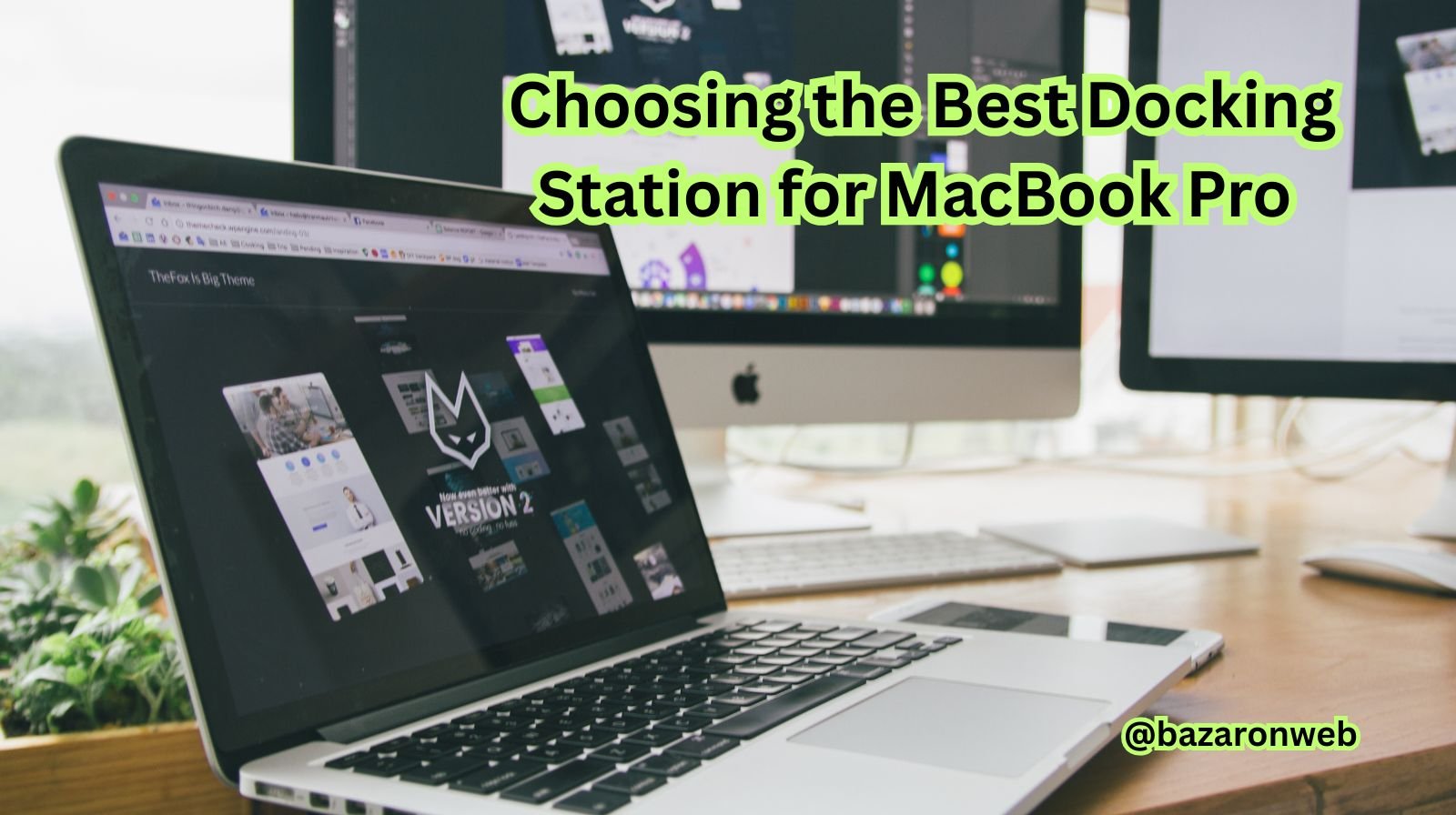
If you own a MacBook Pro, you already know it’s a powerhouse of performance and design. But as sleek and portable as it is, the limited number of ports can sometimes make it tricky to connect all your devices — monitors, external hard drives, USB peripherals, SD cards, Ethernet, and more. That’s exactly where a docking station for MacBook Pro comes in.
Hi, I’m Jessica, and in this detailed guide, I’ll walk you through everything you need to know about MacBook Pro docking stations — what they are, how they work, key features to look for, and the best types to suit your setup in 2025. Whether you’re a creative professional, a business user, or a student looking to boost productivity, this article will help you pick the right one confidently.
1. What is a Docking Station for MacBook Pro?
A docking station is an external hub that connects to your MacBook Pro (usually via Thunderbolt or USB-C) and expands its connectivity options. It essentially turns your laptop into a full desktop workstation.
Instead of plugging multiple cables every time you set up your workspace, you connect just one cable — the docking station handles the rest. You can plug in monitors, hard drives, keyboards, mice, printers, Ethernet cables, and more, all at once.
In short, a MacBook docking station transforms your portable MacBook into a powerful, fully equipped desktop setup.
2. Why You Need a Docking Station for MacBook Pro
Apple’s MacBooks are known for their minimalistic design, but that also means fewer ports. A typical MacBook Pro includes Thunderbolt 4 (USB-C) ports and a headphone jack — and depending on the model, you might get an HDMI port and an SD card reader.
However, most professionals need more. Here’s why you’ll love having a docking station:
- Multiple Displays: Connect 2–3 external monitors easily for multitasking.
- Faster File Transfers: Use USB-A, USB-C, or SD card slots for quick file sharing.
- Ethernet Connection: Get a stable, wired internet connection.
- All-in-One Charging: Charge your MacBook, phone, and other accessories simultaneously.
- Declutter Your Desk: Keep cables organized and reduce plug-in chaos.
If you work with multiple devices, edit media files, or use external monitors, a docking station is no longer a luxury — it’s a necessity.
3. Docking Station vs. USB-C Hub: What’s the Difference?
This is a common point of confusion for many MacBook users. While both docking stations and USB-C hubs expand connectivity, they serve different levels of need.
| Feature | Docking Station | USB-C Hub |
|---|---|---|
| Power Delivery | Up to 100–180W (can charge MacBook Pro and other devices) | Limited power delivery (usually up to 60–87W) |
| Ports | 10–18 ports, supports multiple monitors | 5–8 ports, usually single monitor |
| Performance | Designed for heavy workloads and permanent setups | Ideal for travel or light use |
| Price | $150–$400 | $30–$100 |
If you need desktop-level performance and stability, go for a docking station. If you only need light connectivity on the go, a hub will do the job.
4. Types of Docking Stations for MacBook Pro
Depending on how you use your MacBook, there are different types of docks available:
a. Thunderbolt Docking Stations
These are the most powerful and recommended for MacBook Pro users. They use Thunderbolt 3 or 4 technology to deliver fast data transfer (up to 40Gbps), dual 4K or even 8K video output, and high-wattage charging.
Popular models:
- CalDigit TS4
- OWC Thunderbolt Dock
- Belkin Thunderbolt Pro Dock
b. USB-C Docking Stations
If your MacBook doesn’t need ultra-high performance, USB-C docks are a more affordable choice. They still offer multiple USB ports, HDMI, SD card slots, and Ethernet, though with slightly lower data transfer speeds (up to 10Gbps).
c. Vertical Docking Stations
These hold your MacBook vertically, saving desk space. Perfect for minimal setups where you use your laptop with an external monitor, keyboard, and mouse.
Popular models:
- Brydge Stone Pro Dock
- Henge Docks Vertical Dock
d. Portable Docking Stations
Designed for those constantly on the move. Compact, lightweight, and travel-friendly, they help you stay connected wherever you work.
5. Key Features to Look For in a Docking Station
Before buying, here are the main factors to consider:
a. Port Selection
Look for docks that include:
- Thunderbolt 4 / USB-C
- USB-A (3.1 or 3.2)
- HDMI or DisplayPort
- SD/MicroSD slots
- Ethernet port (RJ-45)
- Audio input/output
- Power delivery up to 100W
The more versatile your docking station, the more convenient your setup will be.
b. Power Delivery (PD)
Ensure your dock provides enough wattage to charge your MacBook Pro while in use. For example, the 16-inch MacBook Pro often requires 96W or more, so your dock should match or exceed this.
c. Display Support
If you plan to use external monitors, check how many displays it supports and at what resolution. Thunderbolt docks can power dual 4K displays at 60Hz, or even one 8K display.
d. Data Transfer Speed
Faster data transfer means you can move large files quickly. Look for USB 3.2, USB 4, or Thunderbolt ports with at least 10Gbps transfer speed.
e. Build and Heat Management
A good docking station should have a sturdy aluminum design for heat dissipation and durability — especially if you plan to use it daily.
6. How to Connect a Docking Station to Your MacBook Pro
Setting it up is surprisingly simple:
- Plug in the Dock: Connect your docking station to a power source (if it requires one).
- Connect to MacBook: Use the provided Thunderbolt or USB-C cable to connect to your MacBook Pro.
- Attach Devices: Plug in your monitors, mouse, keyboard, external drives, or other devices.
- Power Delivery: Your dock will charge the MacBook automatically through the same cable.
- Configure Displays: Go to System Settings > Displays on your Mac to arrange or mirror monitors.
That’s it! One cable, and your entire setup comes alive.
7. Best Docking Stations for MacBook Pro in 2025
Here are some top-rated options worth considering this year:
1. CalDigit TS4 Thunderbolt Station
- 18 ports (Thunderbolt 4, USB-A, SD, Ethernet, audio)
- 98W power delivery
- Dual 6K or single 8K display support
- Ideal for creative professionals
2. OWC Thunderbolt Dock
- 4 Thunderbolt 4 ports, 3 USB-A ports, Ethernet, SD card, audio
- Sleek aluminum design
- 90W charging
- Perfect for photographers and video editors
3. Belkin Thunderbolt 4 Dock Pro
- 12 ports
- Dual 4K or single 8K output
- 90W charging
- Reliable brand with excellent Mac compatibility
4. Anker 577 Docking Station
- USB-C and Thunderbolt compatibility
- Dual HDMI outputs, SD reader, Gigabit Ethernet
- Affordable yet powerful option
5. Brydge Stone Pro Dock
- Unique vertical design
- Space-saving, elegant build
- Dual display support and 87W charging
- Great for minimalist setups
8. Common Problems and Troubleshooting Tips
Even premium docks can sometimes have connectivity issues. Here are quick fixes:
- Monitor Not Detected:
Unplug and reconnect the dock. Go to System Settings > Displays and click “Detect Displays.” - Charging Not Working:
Ensure the power adapter is properly connected and supports your MacBook’s wattage. - Slow File Transfer:
Check if the connected port is USB 3.0 or higher. Some docks have mixed port speeds. - Audio/Video Lag:
Update macOS and dock firmware (many brands provide downloadable updates).
9. Docking Station Setup Tips for Productivity
To get the most out of your dock, try these setup ideas:
- Use a dual-monitor setup for multitasking — emails on one screen, editing tools on another.
- Keep a wireless keyboard and mouse paired to your docked MacBook.
- Add an external SSD for faster project storage.
- Use the Ethernet port for stable Zoom calls or file uploads.
- Tuck your dock under your monitor or behind your desk for a clean, cable-free workspace.
10. Final Thoughts
A docking station for your MacBook Pro can completely transform how you work. It brings back all the connectivity options that slim modern laptops have traded away — but in a much more powerful and organized way.
Whether you’re a designer juggling large media files, a coder managing multiple monitors, or a professional who loves an uncluttered setup, a docking station adds convenience and efficiency to your workflow.
In 2025, as remote and hybrid work continue to dominate, a dock isn’t just an accessory — it’s an essential upgrade that turns your MacBook Pro into a full desktop powerhouse.
So before you get lost in a tangle of cables, make the switch to a quality docking station. Your MacBook — and your productivity — will thank you.






Products
-
![Apple Watch Ultra 3 [GPS + Cellular 49mm] Running & Multisport Smartwatch w/Rugged Titanium Case w/Black Titanium Milanese Loop - M. Satellite Communications, Advanced Health & Fitness Tracking](https://bazaronweb.com/retailstores/wp-content/uploads/2025/09/apple-watch-320x320.jpg) Apple Watch Ultra 3 [GPS + Cellular 49mm] Running & Multisport Smartwatch w/Rugged Titanium Case w/Black Titanium Milanese Loop - M. Satellite Communications, Advanced Health & Fitness Tracking
Apple Watch Ultra 3 [GPS + Cellular 49mm] Running & Multisport Smartwatch w/Rugged Titanium Case w/Black Titanium Milanese Loop - M. Satellite Communications, Advanced Health & Fitness Tracking
-
 Apple iPad mini (A17 Pro): Apple Intelligence, 8.3-inch Liquid Retina Display, 256GB, Wi-Fi 6E, 12MP Front/12MP Back Camera, Touch ID, All-Day Battery Life — Purple
-
 Apple AirPods Max Wireless Over-Ear Headphones, Active Noise Cancelling, Transparency Mode, Personalized Spatial Audio, Dolby Atmos, Bluetooth Headphones for iPhone – Space Gray
-
 Apple AirPods Pro 2 Wireless Earbuds, Active Noise Cancellation, Hearing Aid Feature, Bluetooth Headphones, Transparency, Personalized Spatial Audio, High-Fidelity Sound, H2 Chip, USB-C Charging
-
Home Garage 210 TC Cotton King Floral Fitted (Elastic) Bedsheet(Pack of 1, Grey)
Original price was: ₹999.00.₹299.00Current price is: ₹299.00.
Leave a Reply