Discounted Products
-
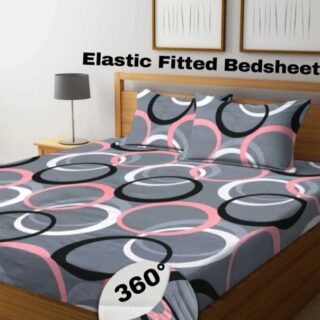 Home Garage 210 TC Cotton King Floral Fitted (Elastic) Bedsheet(Pack of 1, Grey)
Original price was: ₹999.00.₹299.00Current price is: ₹299.00.
-
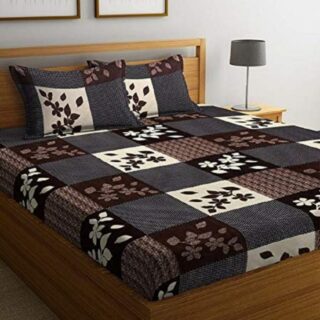 Goodrik 140 TC Cotton Double 3D Printed Flat Bedsheet(Pack of 1, Brown)
Original price was: ₹499.00.₹229.00Current price is: ₹229.00.
-
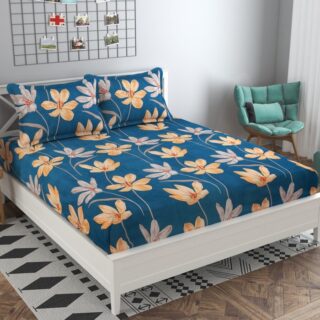 GLOBALSHOP 350 TC Microfiber Double Floral Flat Bedsheet(Pack of 1, Multicolor)
Original price was: ₹1,250.00.₹263.00Current price is: ₹263.00.
-
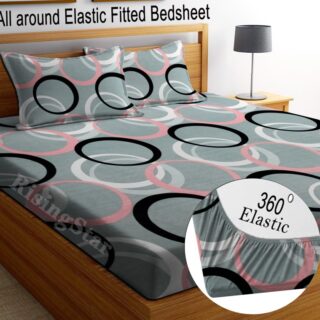 RisingStar 250 TC Microfiber King Printed Fitted (Elastic) Bedsheet(Pack of 1, FITTED-ROUND-CIRCLES-PREMIUM)
Original price was: ₹2,299.00.₹299.00Current price is: ₹299.00.
-
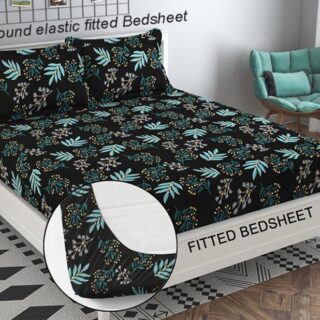 Home Garage 210 TC Cotton King Floral Fitted (Elastic) Bedsheet(Pack of 1, Fitted Black Green)
Original price was: ₹1,299.00.₹299.00Current price is: ₹299.00.
-
 Home Garage 180 TC Cotton King 3D Printed Flat Bedsheet(Pack of 1, White)
Original price was: ₹999.00.₹229.00Current price is: ₹229.00.
-
 Panipat Textile Hub 152.4 cm (5 ft) Polyester Window Curtain (Pack Of 2)(Solid, Aqua)
Original price was: ₹1,899.00.₹299.00Current price is: ₹299.00.
-
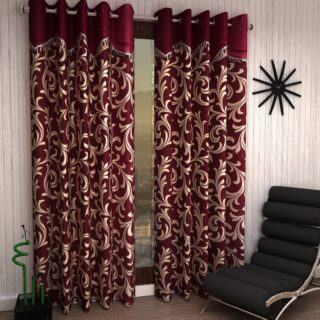 Home Sizzler 214 cm (7 ft) Polyester Semi Transparent Door Curtain (Pack Of 2)(Floral, Maroon)
Original price was: ₹1,199.00.₹399.00Current price is: ₹399.00.
-
 Home Sizzler 153 cm (5 ft) Polyester Room Darkening Window Curtain (Pack Of 2)(Floral, Brown)
Original price was: ₹799.00.₹299.00Current price is: ₹299.00.
-
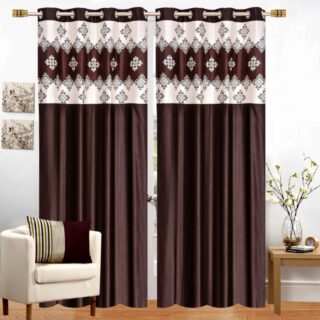 Stella Creations 214 cm (7 ft) Polyester Room Darkening Door Curtain (Pack Of 2)(Abstract, Brown)
Original price was: ₹1,299.00.₹449.00Current price is: ₹449.00.
-
 Homefab India 152.5 cm (5 ft) Polyester Room Darkening Window Curtain (Pack Of 2)(Floral, Light Blue)
Original price was: ₹1,199.00.₹319.00Current price is: ₹319.00.
-
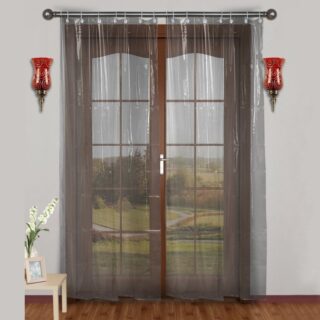 Urban Home 214 cm (7 ft) PVC Transparent Door Curtain Single Curtain(Solid, Off White)
Original price was: ₹699.00.₹203.00Current price is: ₹203.00.
-
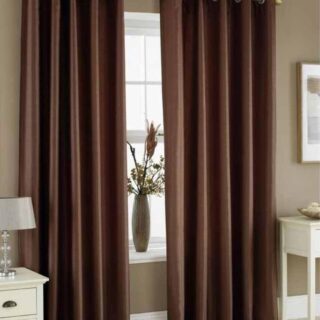 Panipat Textile Hub 213 cm (7 ft) Polyester Door Curtain (Pack Of 2)(Solid, Brown)
Original price was: ₹1,199.00.₹349.00Current price is: ₹349.00.
-
 Home Sizzler 214 cm (7 ft) Polyester Semi Transparent Door Curtain (Pack Of 2)(Floral, Brown)
Original price was: ₹999.00.₹349.00Current price is: ₹349.00.
-
 Panipat Textile Hub 213 cm (7 ft) Polyester Semi Transparent Door Curtain (Pack Of 2)(Floral, Brown)
Original price was: ₹899.00.₹299.00Current price is: ₹299.00.
Category: Windows 11
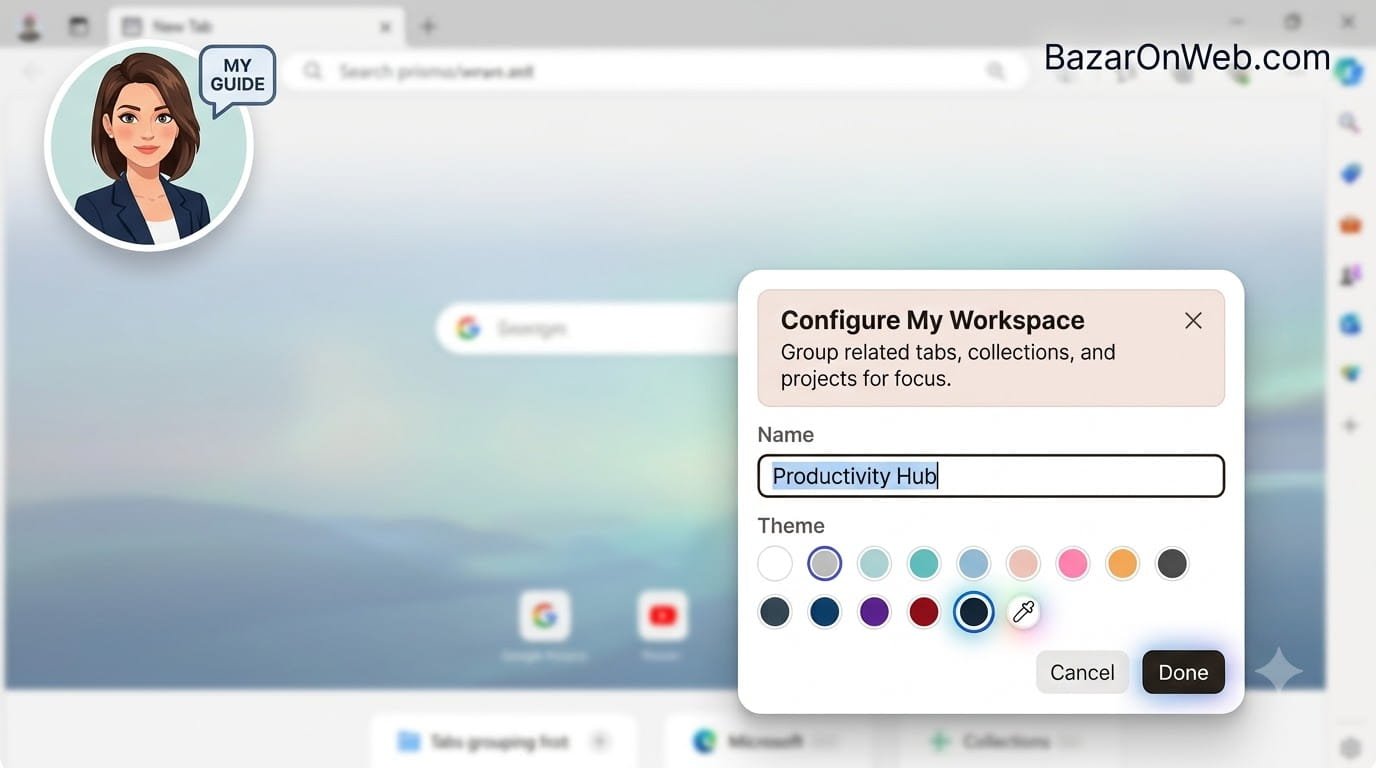
How I Organize My Browser Using Microsoft Edge Workspaces, Tabs & Collections (Complete Productivity Guide)
If you spend most of your workday inside a web browser like I do, you probably know how quickly tabs can get out of control. One moment you’re researching a topic, the next you have forty open tabs, three different projects mixed together, and no idea where that important website disappeared. For years, I tried …
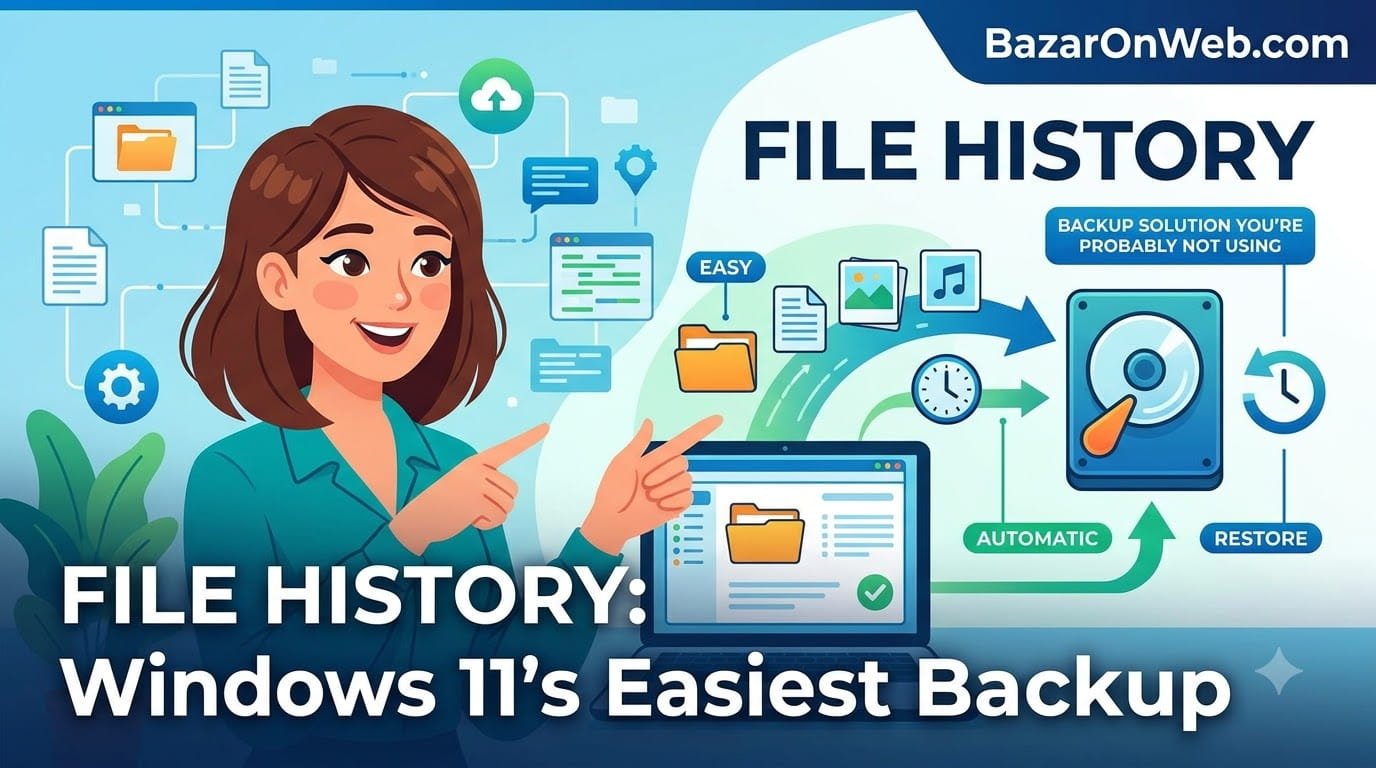
Windows 11 File History: The Easiest Backup Solution You’re Probably Not Using
I was working on a document. Hours of work. Detailed information I’d spent all day researching and organizing. I saved it. Closed it. Everything seemed fine. Then my hard drive made a clicking sound. That terrible mechanical clicking sound that computer people dread. My heart sank. I restarted my computer. The drive wouldn’t even initialize. …
Windows 11 File History: The Easiest Backup Solution You’re Probably Not UsingRead More
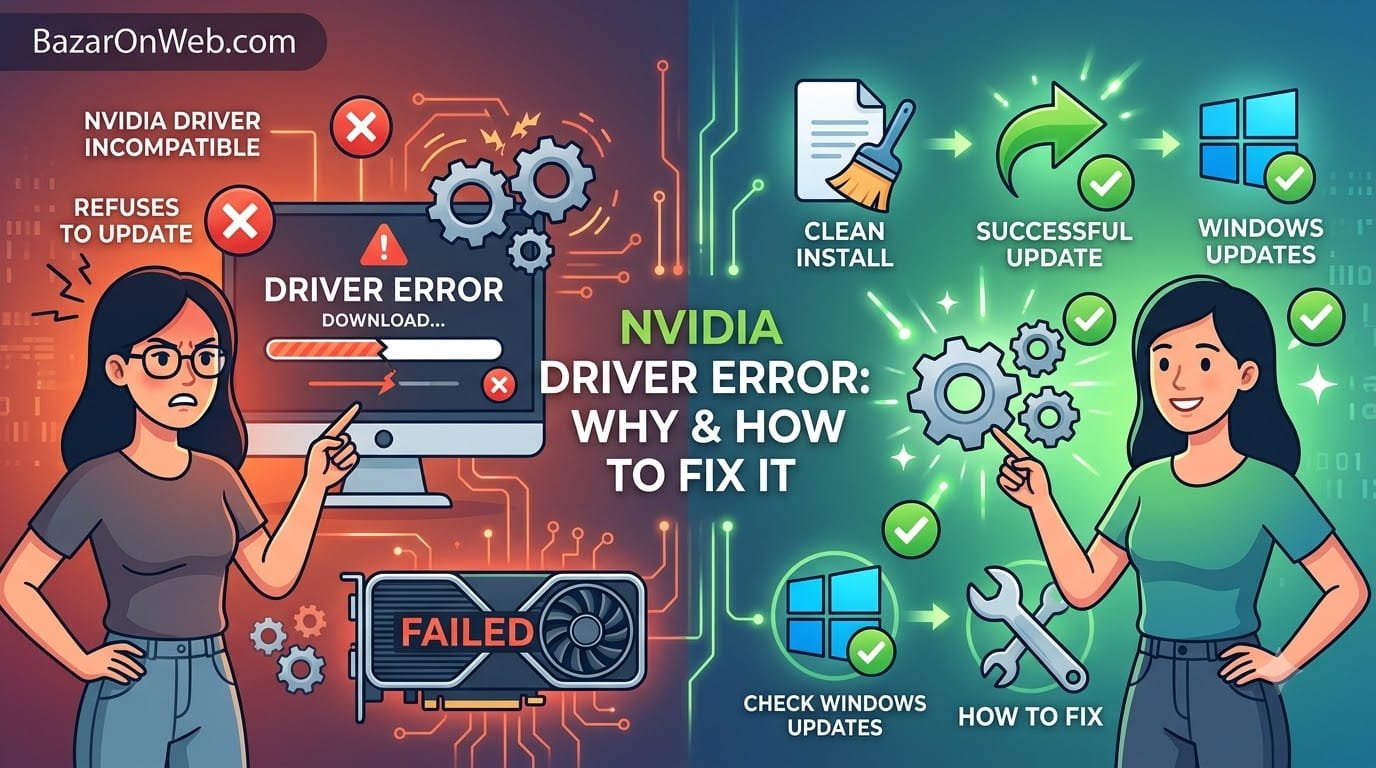
NVIDIA Driver Incompatibility Error: Why Your Graphics Card Refuses to Update and How to Fix It
I was excited about updating my NVIDIA driver. New driver version promised better performance, bug fixes, and support for new games. I downloaded it from NVIDIA’s website, ran the installer, and waited for the update to complete. Halfway through installation, a dialog box appeared: “NVIDIA Driver is Not Compatible With This Version.” Not compatible? But …
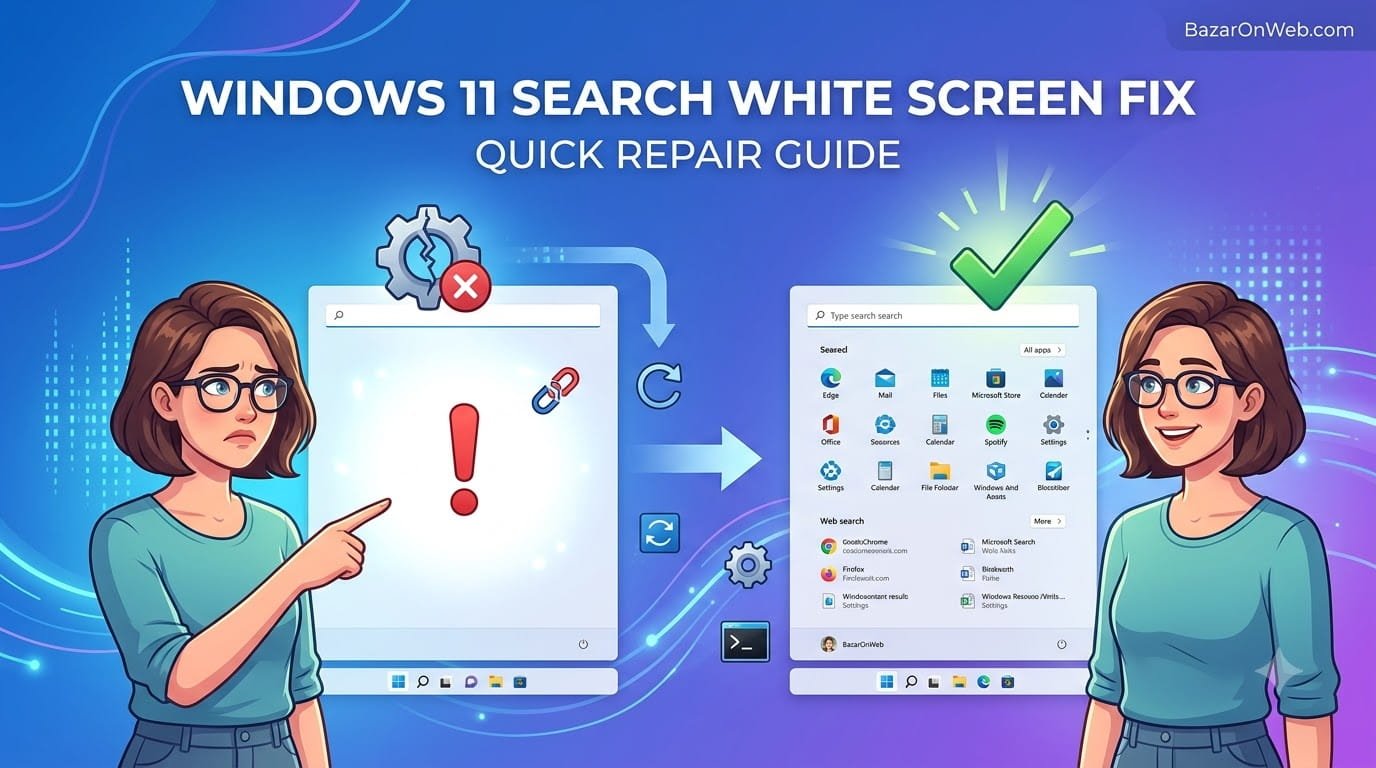
Windows 11 Search Panel Stuck on White Screen: Why Updates Broke Your Search and How to Actually Fix It
When Your Search Feature Became Completely Useless I needed to find a file on my computer. Simple task. I pressed Windows Key + S to open search. The search panel opened, but it was completely blank. White screen. Nothing loading. I waited 30 seconds. Still blank. A minute passed. Finally, text and icons appeared and …
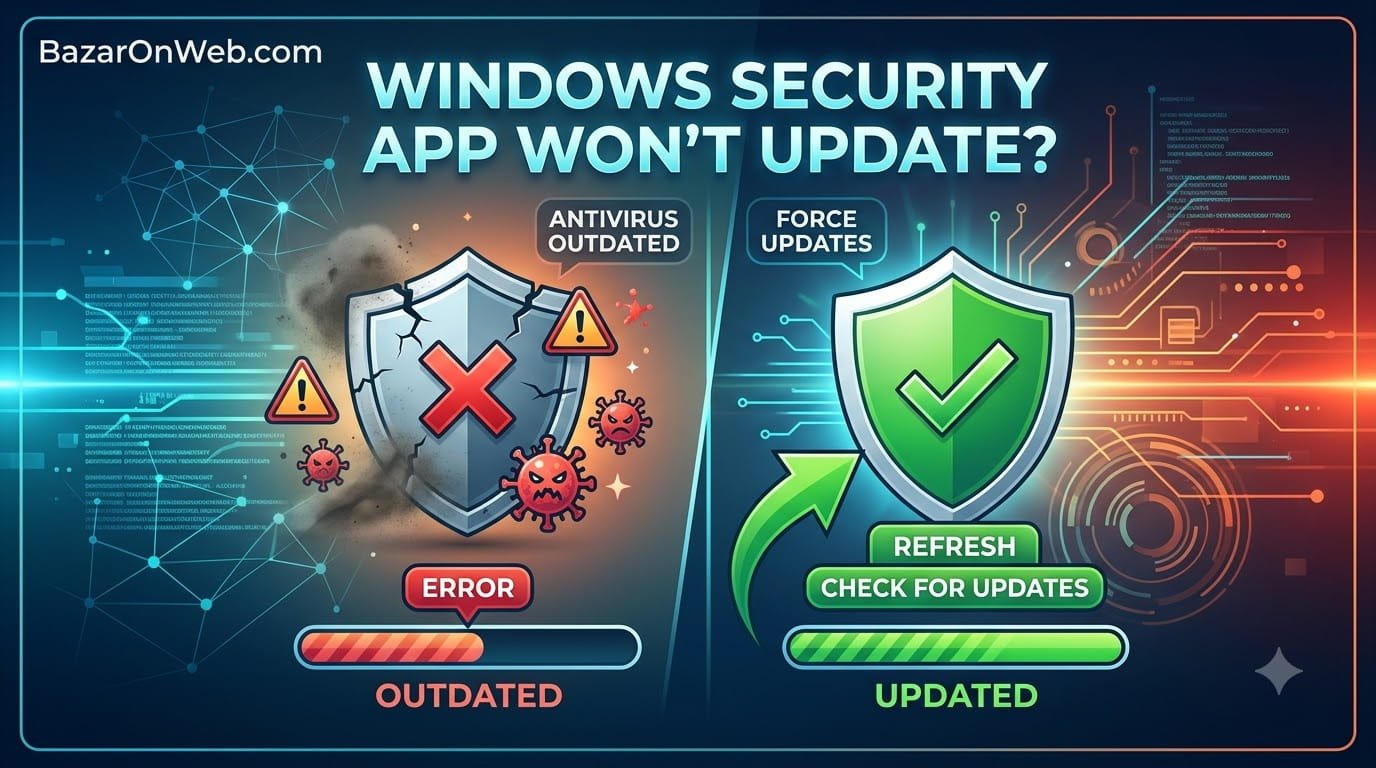
Windows Security App Won’t Update: Why Your Antivirus Might Be Outdated and How to Force Updates
I was doing my monthly system maintenance—checking updates, clearing cache, that sort of thing. I opened Windows Security to verify everything was up to date and noticed something unsettling: the Virus & threat protection section showed a red warning icon saying my virus definitions were outdated. Not just slightly outdated. Significantly outdated. Days behind current …
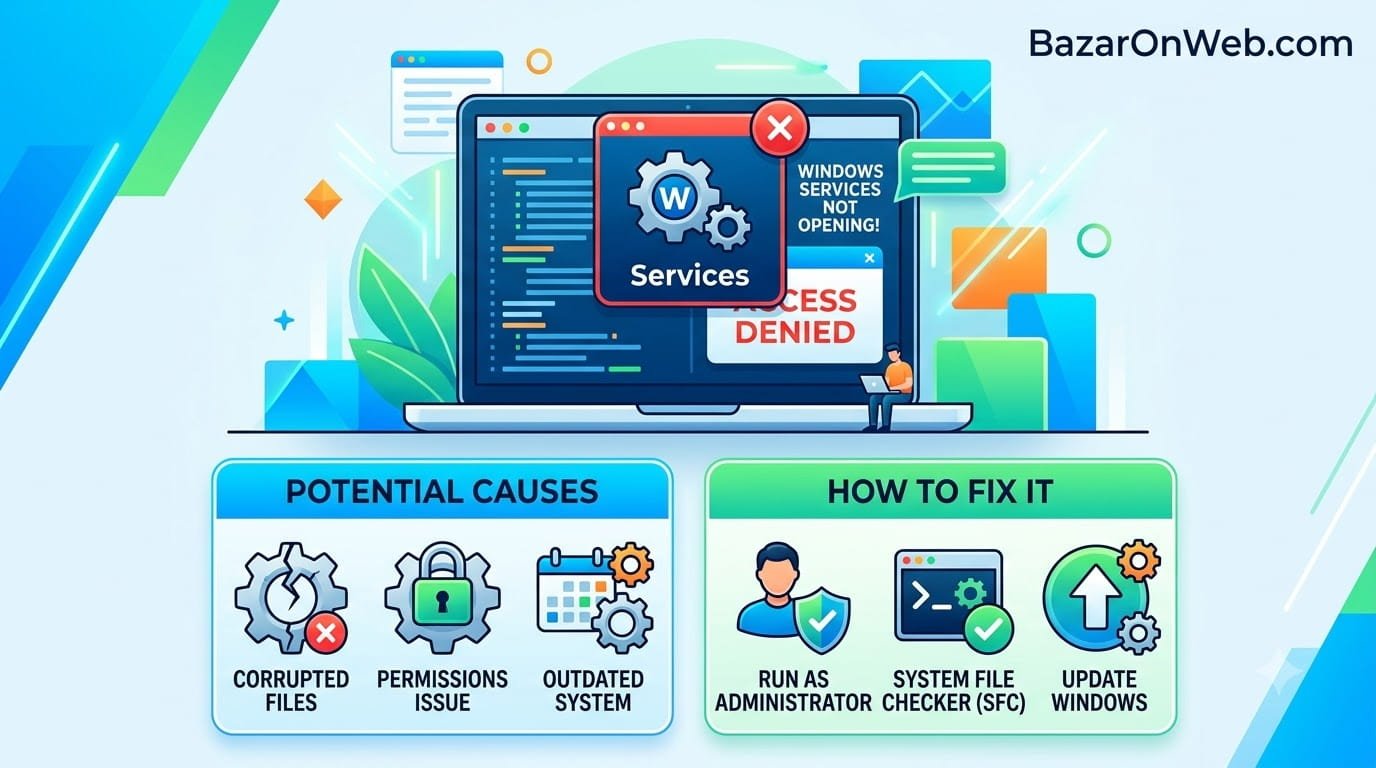
Windows Services App Won’t Open: Why You Can’t Access Services and How to Fix It
I was troubleshooting a startup problem. Something was launching automatically that I didn’t want launching. I needed to access Windows Services to disable it. Simple enough. Services app should be straightforward to open and modify. Except it wouldn’t open. I right-clicked Start, searched for “Services,” and clicked it. The window appeared for a second, then …
Windows Services App Won’t Open: Why You Can’t Access Services and How to Fix ItRead More
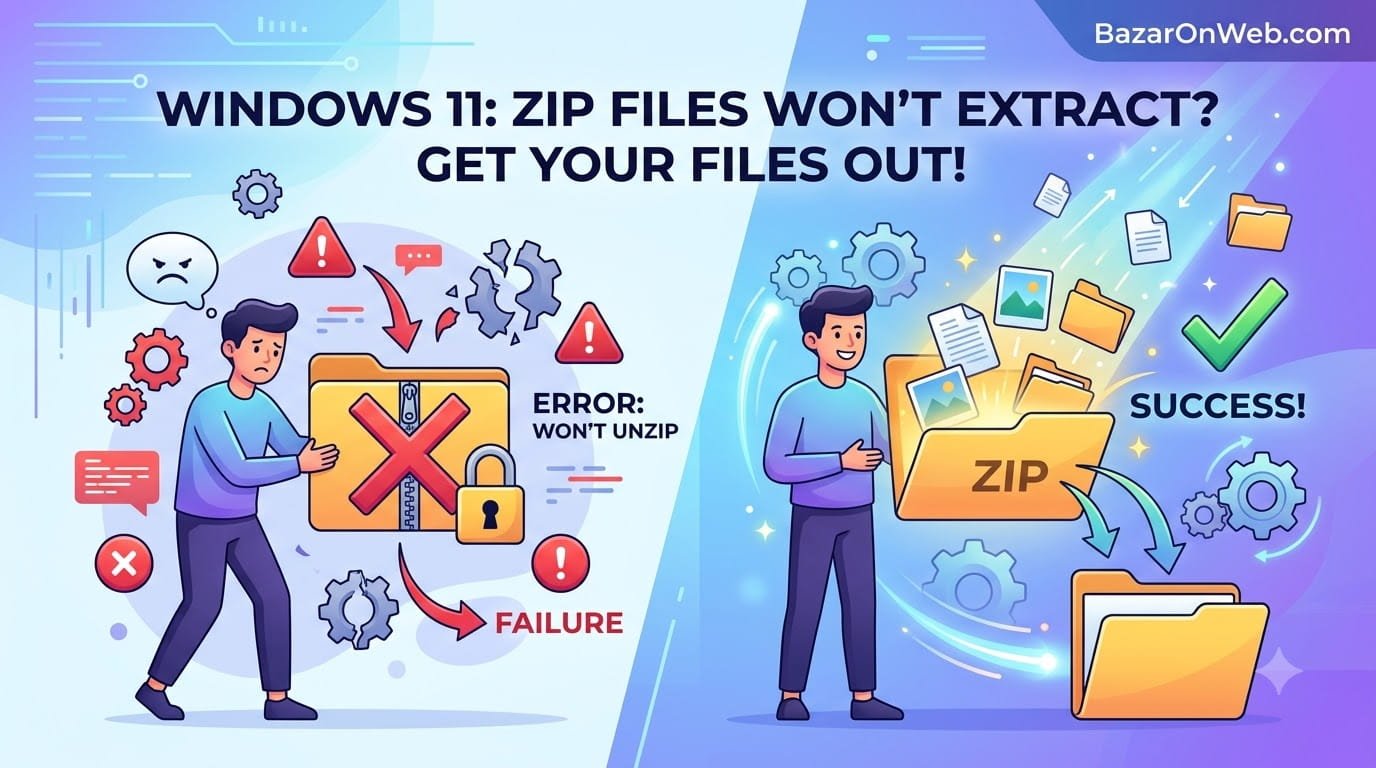
Unzipping Files in Windows 11: Why Your ZIP Files Won’t Extract and How to Actually Get Your Files Out
When Your ZIP File Refuses to Cooperate! I downloaded a software package that came compressed in a ZIP file. Should be simple, right? Windows natively supports ZIP files. Just extract and I’m done. Except when I double-clicked the ZIP file, nothing happened. Literally nothing. No extraction window appeared. No progress bar. No confirmation dialog. Just… …
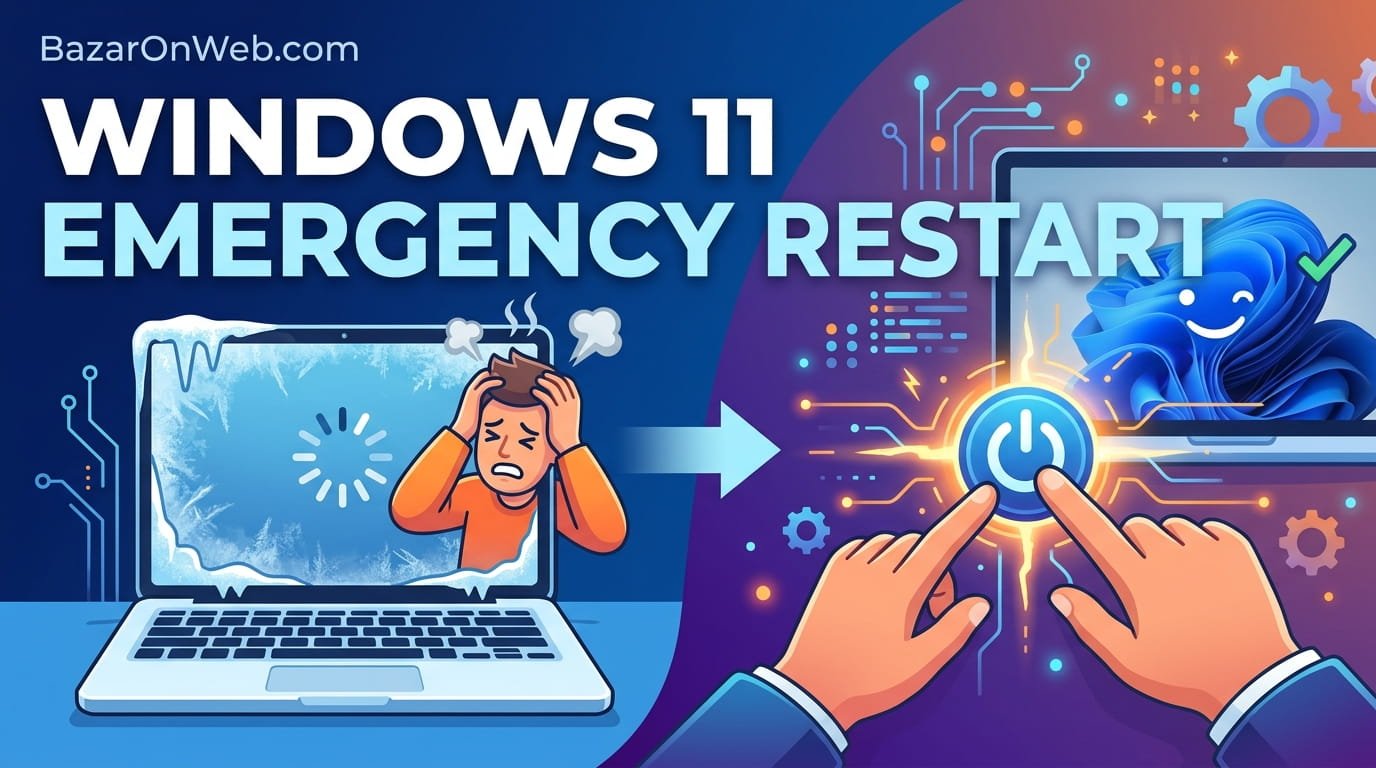
Windows 11 Emergency Restart: When Your Computer Freezes Completely and Normal Shutdown Won’t Work
It happened at the worst possible time for me. I was editing a document, everything was fine, and then suddenly my entire computer froze. Not sluggish. Not slow. Completely frozen. The mouse wouldn’t move. Clicking did nothing. Typing produced no response. My screen was basically a still photograph at that point. I waited. Sometimes computers …
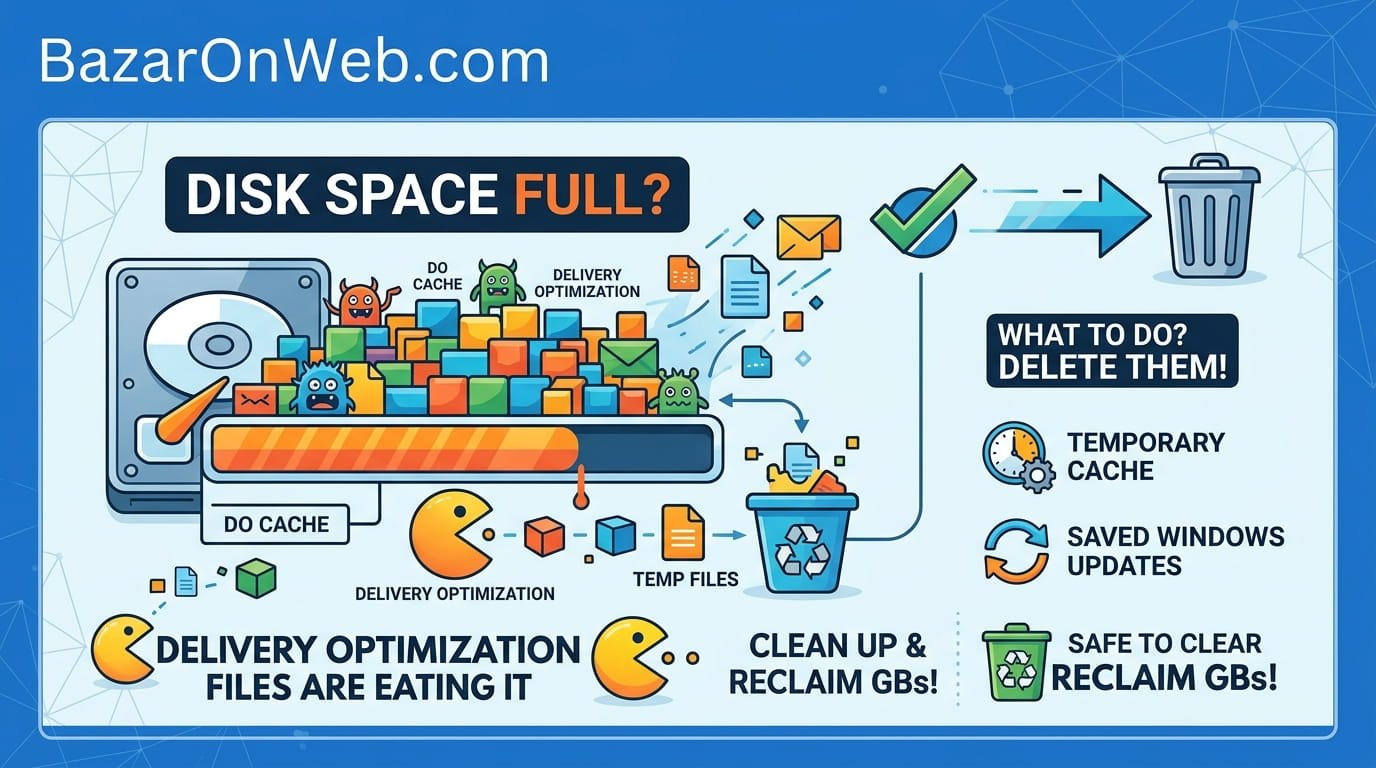
Delivery Optimization Files Eating Your Disk Space: What They Are and Why You Should Probably Delete Them
The Day I Realized Windows Was Hoarding Gigabytes Without Asking My laptop’s storage was mysteriously disappearing. I had 250GB of storage when I bought it. After a year of normal use—some documents, some photos, some programs—I should have had plenty of space left. Instead, I was down to maybe 15GB free. I did the obvious …
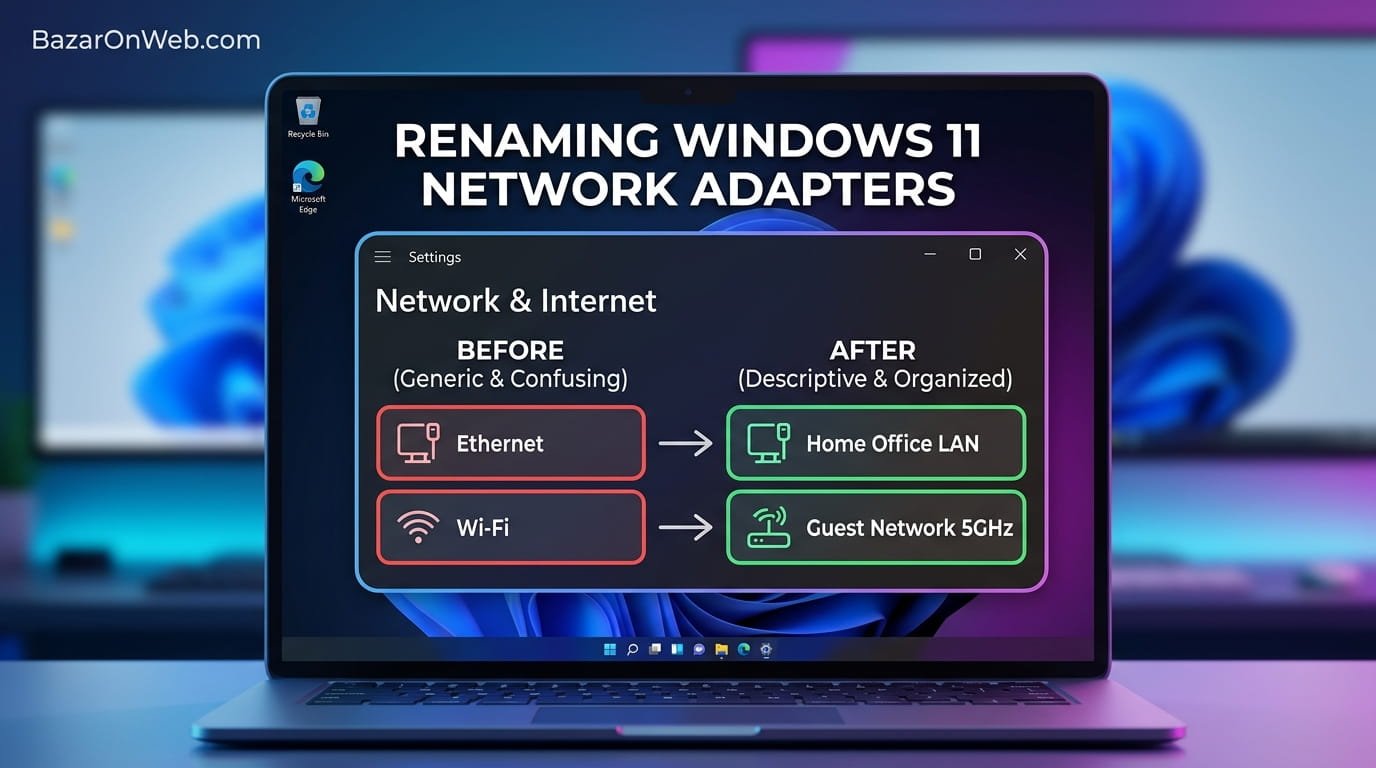
Renaming Network Adapters in Windows 11: Why Your WiFi and Ethernet Need Better Names Than “Ethernet” and “WiFi”
My home office has gotten complicated over the years. I have multiple computers, a printer that connects via Ethernet, a WiFi mesh network system, an old USB WiFi adapter I keep for backup, and sometimes I connect to a mobile hotspot. My laptop somehow acquired multiple network adapters—some built-in, some added through various adapters I’ve …
- How to Find and Unblock Blocked Numbers on Android

- How to Back Up Windows 11: Every Method You Should Know
- Windows 11 Keeps Showing a Virus Protection Warning? Here’s How to Get Rid of It

- How to Disable Visual Effects in Windows 11 to Improve Performance
- How to Record Conversations and Automatically Convert Them into Text on iPhone

Products
-
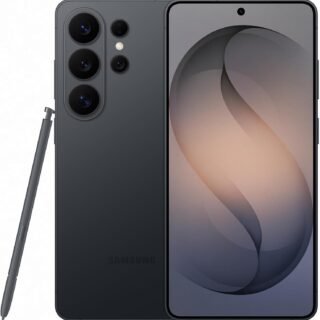 Samsung Galaxy S26 Ultra Unlocked Android Smartphone, 256GB, Black, Privacy Display, 200MP Camera, 5000mAh Battery, US 1 Year Warranty
-
 Apple Watch Ultra 3 [GPS + Cellular 49mm] Running & Multisport Smartwatch w/Rugged Titanium Case w/Black Titanium Milanese Loop - M. Satellite Communications, Advanced Health & Fitness Tracking
-
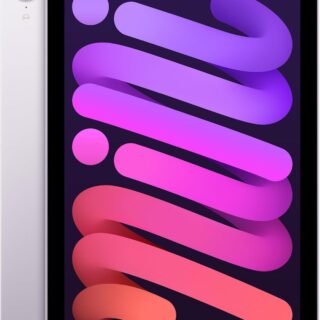 Apple iPad mini (A17 Pro): Apple Intelligence, 8.3-inch Liquid Retina Display, 256GB, Wi-Fi 6E, 12MP Front/12MP Back Camera, Touch ID, All-Day Battery Life — Purple
-
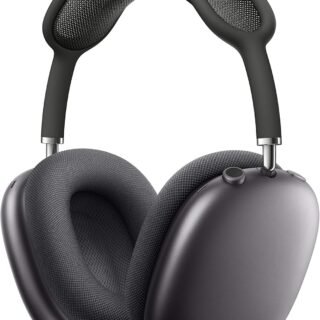 Apple AirPods Max Wireless Over-Ear Headphones, Active Noise Cancelling, Transparency Mode, Personalized Spatial Audio, Dolby Atmos, Bluetooth Headphones for iPhone – Space Gray
-
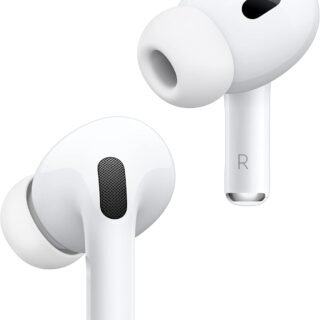 Apple AirPods Pro 2 Wireless Earbuds, Active Noise Cancellation, Hearing Aid Feature, Bluetooth Headphones, Transparency, Personalized Spatial Audio, High-Fidelity Sound, H2 Chip, USB-C Charging